How to Fix Image Not Available Issue in 8 Methods

5 mins read

Updated on 2026-04-08 17:08:14 to Photo Error

Whether you are using Chrome or any social media application over the internet, you might come across the "image not available" issue. It can be due to anything from occasional glitches to server restrictions. But don’t stress out: in this article, we are going to discuss the major reasons behind the "this image is not available in your country" problem and some quick fixes. Let's start!

Part 1. What Does "Image Not Available" Mean? Why It Appears

If your pictures are not loading anywhere, including eBay, Kik, or WhatsApp web, here are some potential reasons behind them:

  • Corrupted Image: The file structure or content of the image is damaged, which makes it unreadable, leading to the image not being available on Kik.
  • Incorrect File Path: Each image has a unique path stored in the web directory to ensure smooth loading. Sometimes this path is incorrect, and you see a "no image available" notification.
  • Database Problems: If the database where your images are stored is down due to a bad SQL command, the images might be of poor quality or not appear at all.

⚡ Part 2. How to Fix "Image Not Available" on Social Apps (Take Kik for instance)

While using social apps like Kik, if you see the image not available sign, you should immediately fix it by following these given methods:

1. Repair Corrupted Images with Expert Photo Repair Tool

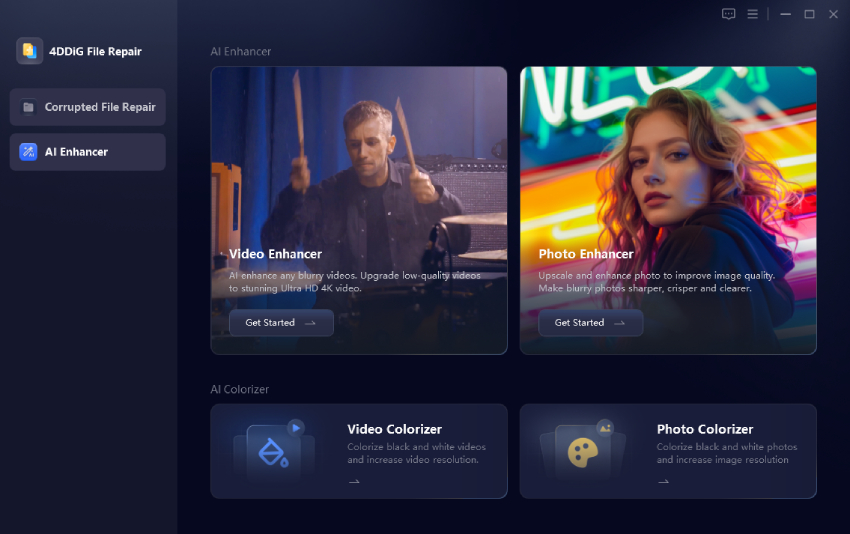
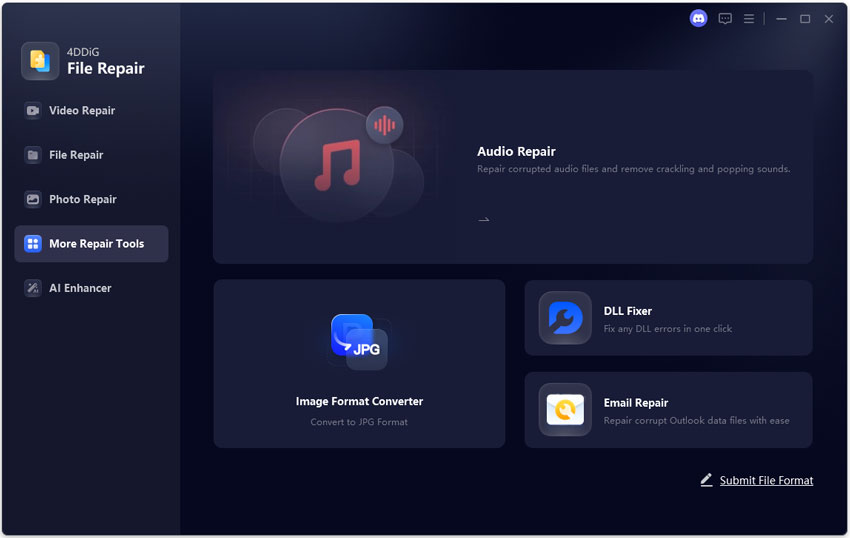
An incredible way to fix the "Kik image not available" issue is to use an expert photo repair tool like 4DDiG Photo Repair. It can easily clear corrupted, damaged, distorted photos and even greyed-out ones with corrupt headers. Here's a step-by-step guide on its usage:

  • Open 4DDiG Photo Repair on your web browser. From the left menu, choose “Photo Repair”. Click “Add Photos”, then add the desired ones.

    add unavailable corrupted photos to 4ddig
  • Once you've added all, click “Repair All.”

    repair all unavailable photos
  • Wait a few seconds, then preview and save each image.

    preview and save repaired images

2. Clear Social App Cache

Over time, old cache data and cookies can accumulate in the social app, hence you see the unloaded image icon. To resolve this, you should delete this unwanted data by following the given steps:

For Android:

  • Go to Settings > Apps > Kik.

  • Tap Storage & Cache.

  • Select Clear Cache (do not clear data unless necessary, as it may log you out).

    clear kik app cache to fix image not available error

Restart the Kik app and try opening the image again.

For iOS:

  • Offload the Kik app via Settings > General > iPhone Storage > Kik > Offload App.

  • Reinstall Kik from the App Store (your chats should remain).

3. Force Close and Restart the Kik App

If the images not appearing issue persists in Kik, you can try force-closing the app and then restarting it. This simple reboot can sometimes fix software glitches and lagging. Here are the steps you should follow:

  • Open Settings on your phone and go to Apps.

  • Search for the Kik app and click on it.

  • Tap the “Force Stop” option.

    force stop kik app to fix image not available issue
  • Wait a few minutes, then relaunch Kik on your device to see if images are available now.

4. Check and Reset Network Connection

Well, in many cases, the problem isn't with the application but with your internet. So we suggest checking it, resetting for a fresh start, and getting rid of “images are not loading in Chrome.” Let's see how you can do it on iPhone:

  • Open Settings > General.

  • Scroll down, and you'll find the Transfer or Reset iPhone option.

  • Click Reset and then Reset Network Settings. That's all.

However, know that after resetting, you'll have to re-enter your credentials to connect to Wi-Fi and Bluetooth devices.

5. Ask Your Friend to Resend Photos

Know that Kik doesn't store media in chat history for long, and it's removed when you clear the cache. Then, ask your friend to resend the photos from their camera roll to resolve the “image is not available” issue.

6. Use a VPN to Bypass Geographic Restrictions

If you are unable to see an image in Kik, it might not be available in your country. We suggest using a VPN and changing server location by following these steps:

  • Choose a reputable VPN service provider and install the application on your device.

  • Open the VPN app, select the desired server location, and turn it on.

  • Now relaunch the Kik app and reload the images.

Part 3. How to Fix Image Not Available & Loading on Websites & Browsers (Chrome, eBay, etc)

eBay is an amazing platform for selling your products and generating a stable income. You create your account, add all product images, and click publish. Everything looked fine until you saw the scary “image not available eBay” notification. Don't worry: here are some practical solutions that can resolve it:

1. Quit Your Browser Completely

You should close your browser completely, wait a few minutes, then reopen it or switch to another one. Let's see how you can do it:

  • Click the x icon located on the right side of the tab.

  • Or you can give commands like Ctrl+W for Windows and Cmd+W for Mac to force close eBay browsers.

2. Upload One Picture to eBay at Once Time

Uploading multiple images at once can overload eBay's servers, so you may encounter the “eBay image not available” or “product image not available” error. Rather than bombarding the platform with images, select one picture at a time and wait for it to fully load before proceeding to the next.

3. Reduce Image Size

eBay recommends using photos at 1600 × 1600 pixels; if your image exceeds that, reduce its size. For that, you can either use online image converters, Photoshop, or just keep the exact dimensions on your camera.

Part 4. How to Prevent "Image Not Available" Issues

While the “unavailable picture” or “image not available in your region” issue is frustrating, here are some tips that ensure you don't come across it at all:

  • Avoid hosting images on personal websites or dynamic platforms, as they may go offline or change over time, causing the image to fail to load.
  • Use permanent static URLs to avoid the frequent changes associated with dynamic ones.
  • Optimize image size and stick to traditional formats like JPEG or PNG.

People Also Ask about Unavailable Pictures

Why is my browser blocking images?

Your browser might be blocking images due to ad-blocker extensions, cache accumulation, or strict privacy settings.

How do I allow images in Chrome?

To allow images in Google Chrome, go to Settings> Privacy and Security, then select the Sites Can Show Images option.

What does it look like when you're blocked on Kik?

When you are blocked on Kik, your messages will show an S (Send) and will never change to D (Delivered) or R (Read).

Conclusion

The "image not available" issue can negatively impact the user experience. To fix it, you should get the 4 D DiG Photo Repair tool, which is intuitive and supports various formats, including JPEG, PNG, JPG, and CR2.

FREE DOWNLOAD

Secure Download

FREE DOWNLOAD

Secure Download

William Bollson (senior editor)

William Bollson, the editor-in-chief of 4DDiG, devotes to providing the best solutions for Windows and Mac related issues, including data recovery, repair, error fixes.

(Click to rate this post)

You rated 4.5 ( participated)