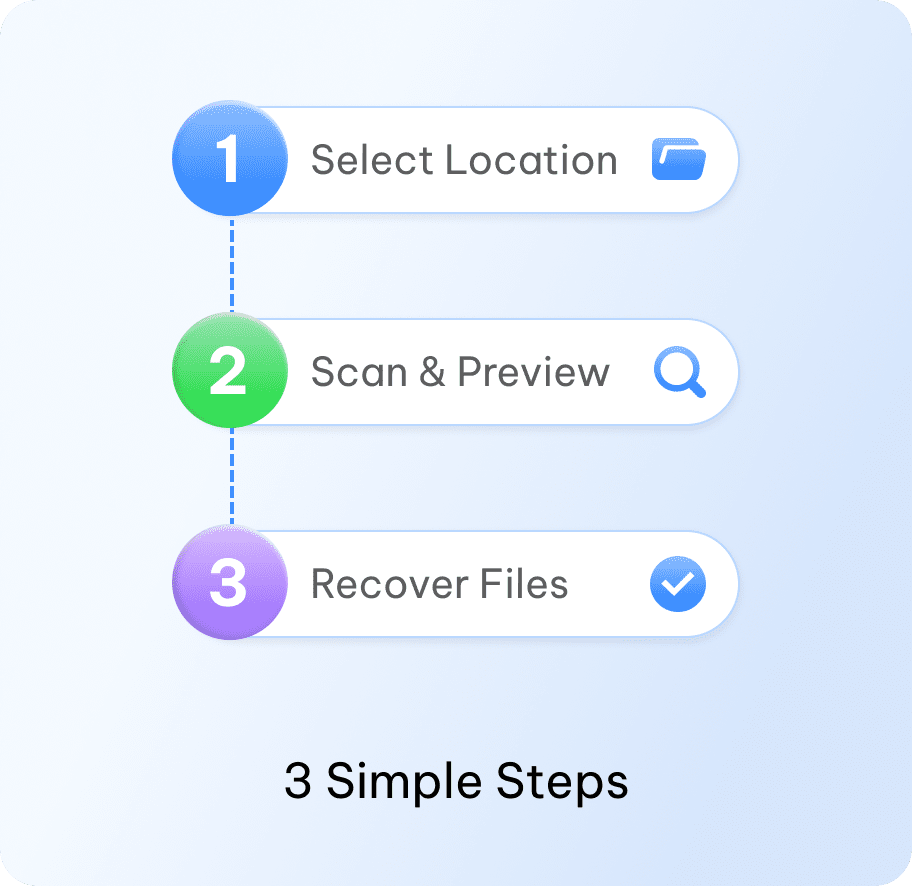
Select Location
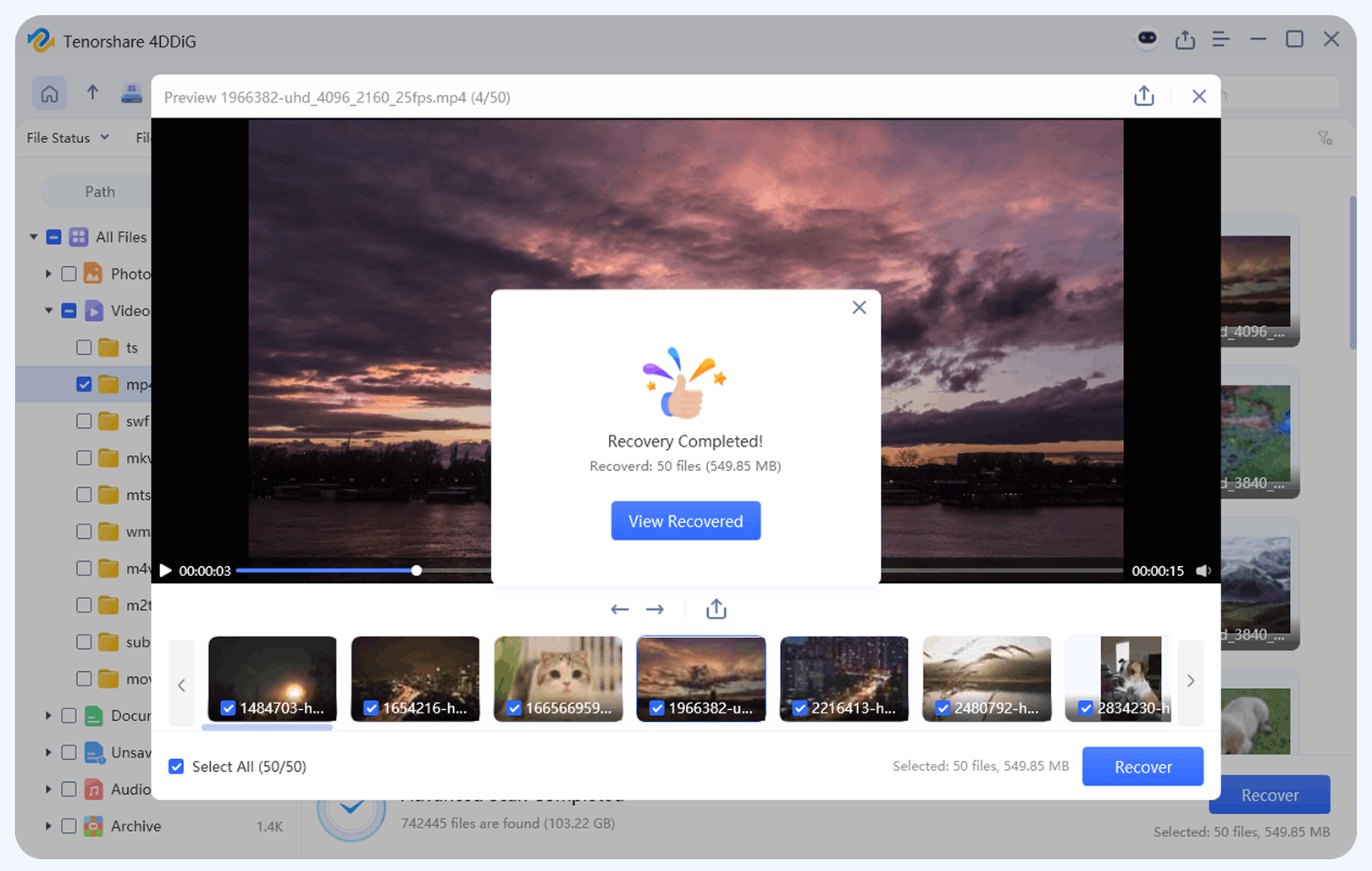
Launch 4DDiG and select the hard drive or partition where you lost data to start scanning.
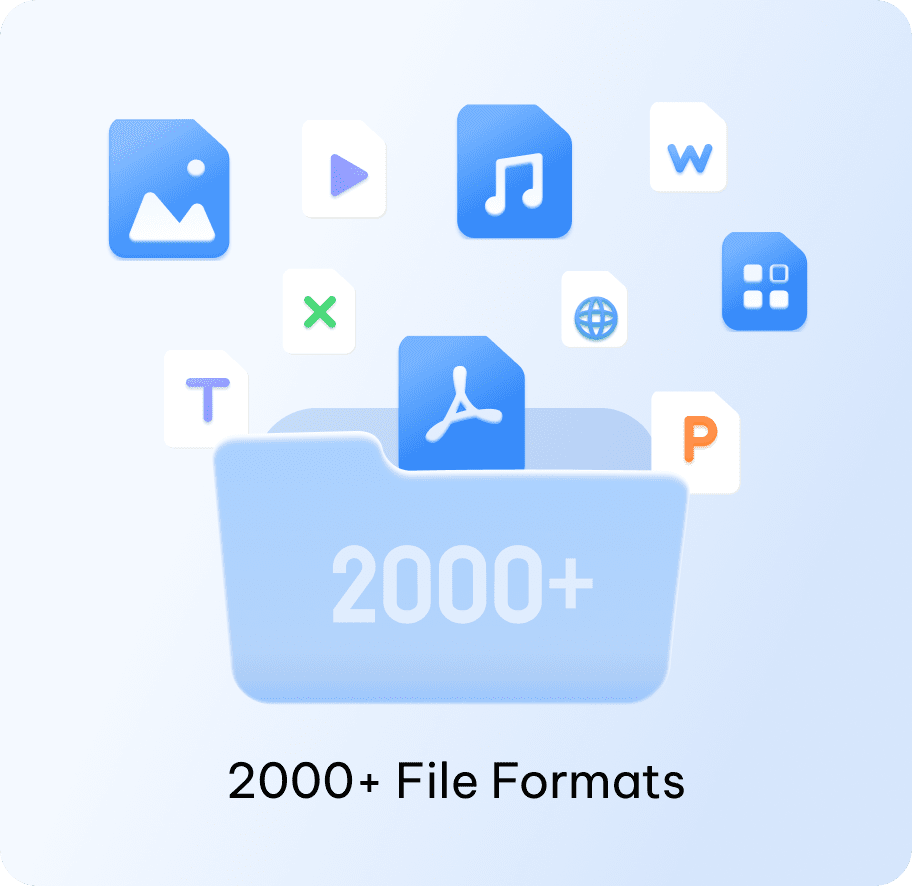
Recover 2000+ file types from any hard drive with a 99% success rate
Comprehensive solutions to recover lost data from any disk disaster safely and securely.

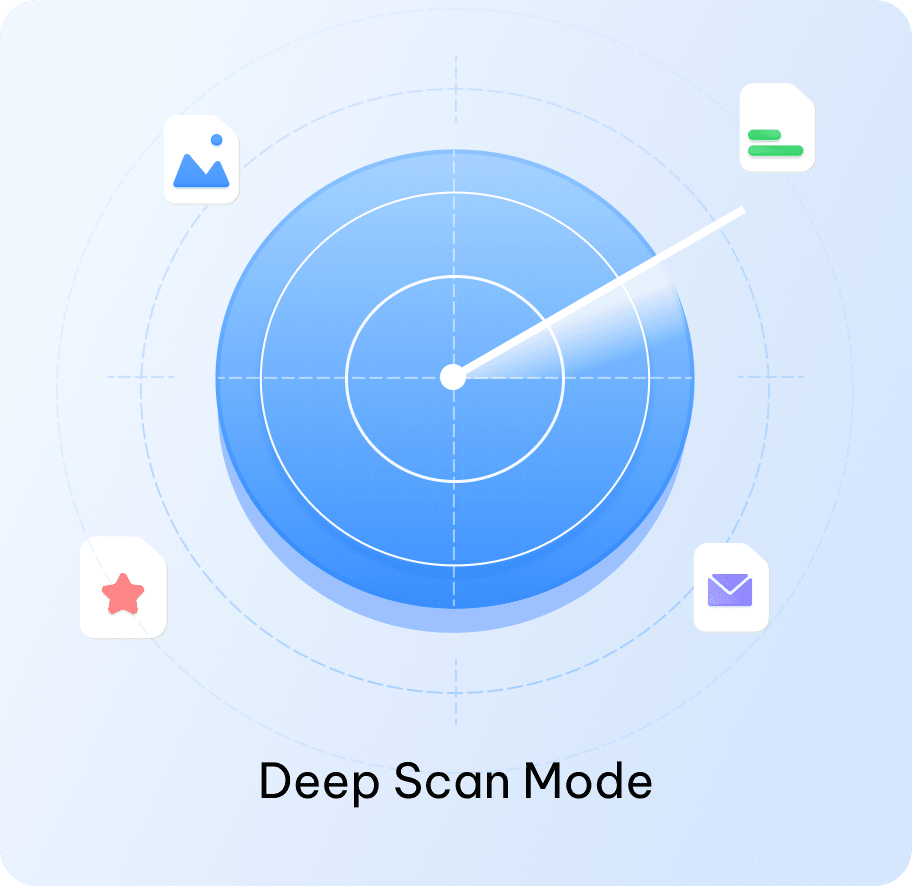
Accidentally deleted important files? Recover them from HDDs, SSDs, or external drives with deep scanning mode.
Accidentally deleted important files? Recover them from HDDs, SSDs, or external drives with deep scanning mode.
Recover data from drives that have been formatted, including HDDs, SSDs, and external hard drives.
Recover data from drives that have been formatted, including HDDs, SSDs, and external hard drives.

Restore files from partitions that have been lost, deleted, or become inaccessible.
Restore files from partitions that have been lost, deleted, or become inaccessible.
Recover data from RAW drives that become inaccessible or unrecognized due to file system errors or corruption.
Recover data from RAW drives that become inaccessible or unrecognized due to file system errors or corruption.
Safely recover files from HDDs, SSDs, or external drives after a system crash or unexpected failure.
Safely recover files from HDDs, SSDs, or external drives after a system crash or unexpected failure.
Recover files from USB drives, SD cards, and other external hard drives experiencing errors or connection issues.
Recover files from USB drives, SD cards, and other external hard drives experiencing errors or connection issues.
HDD
SSD
External Drive
USB memory
SD Card

Photos

Videos
Documents

Audio

Emails
NTFS
FAT16
FAT32

APFS
exFAT
No technical skills required. Just scan, preview, and recover.
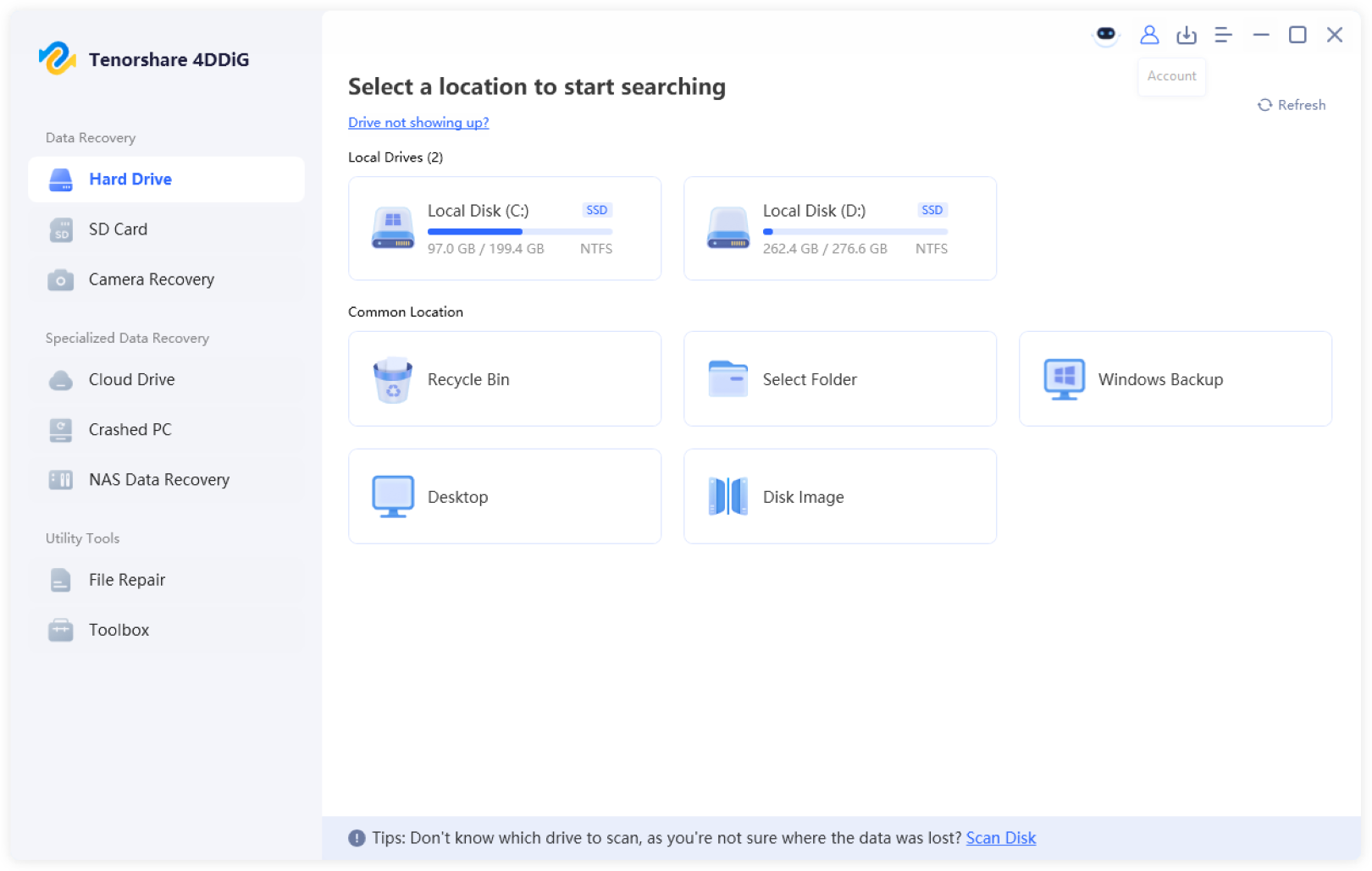
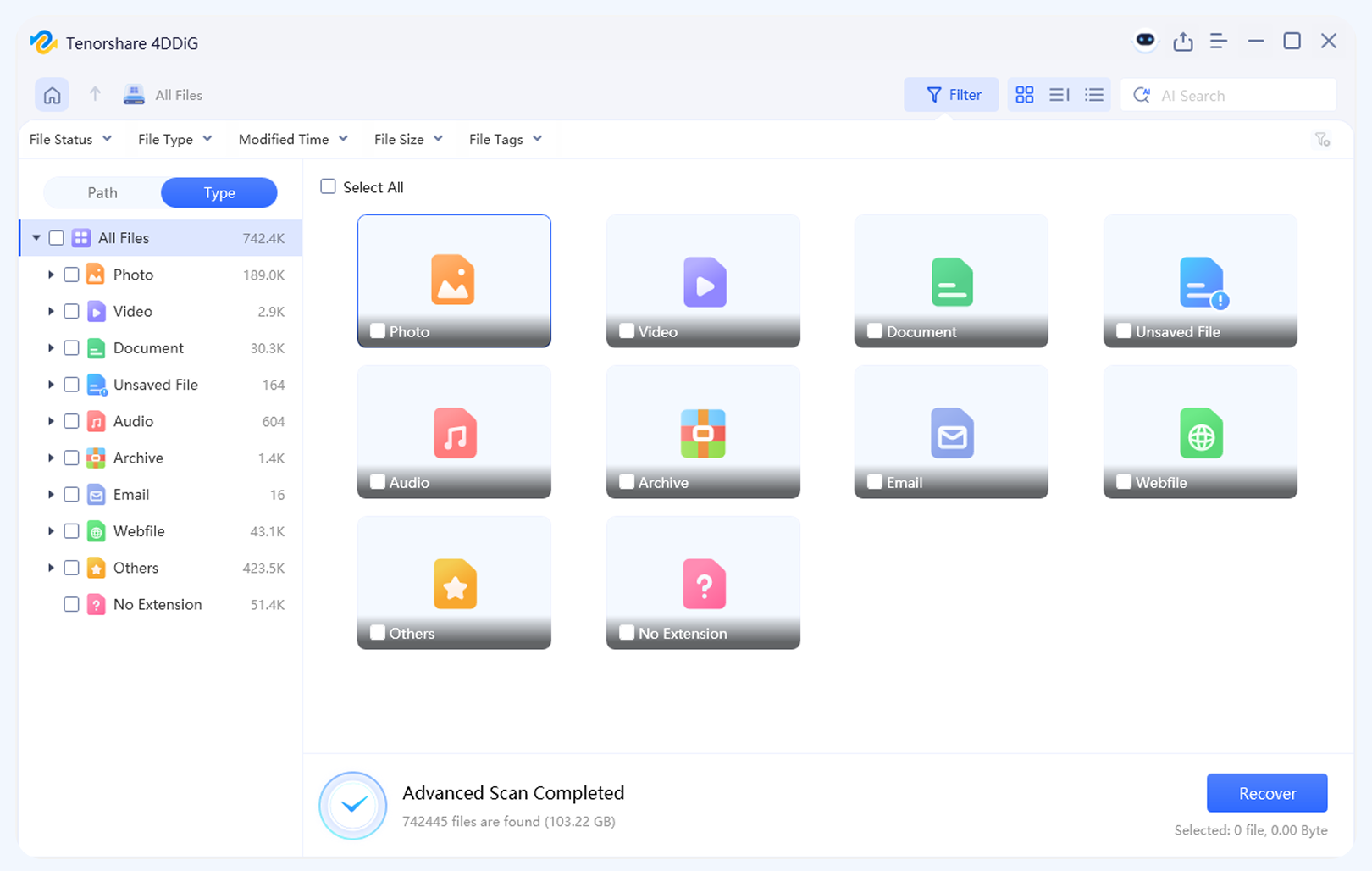
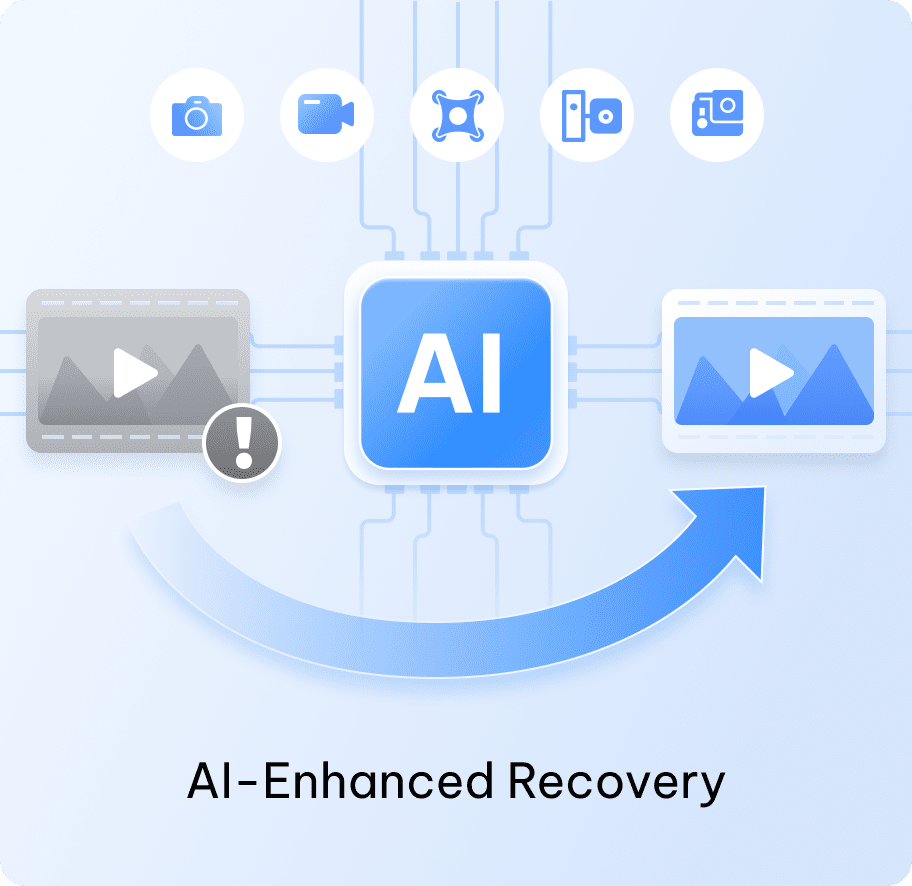
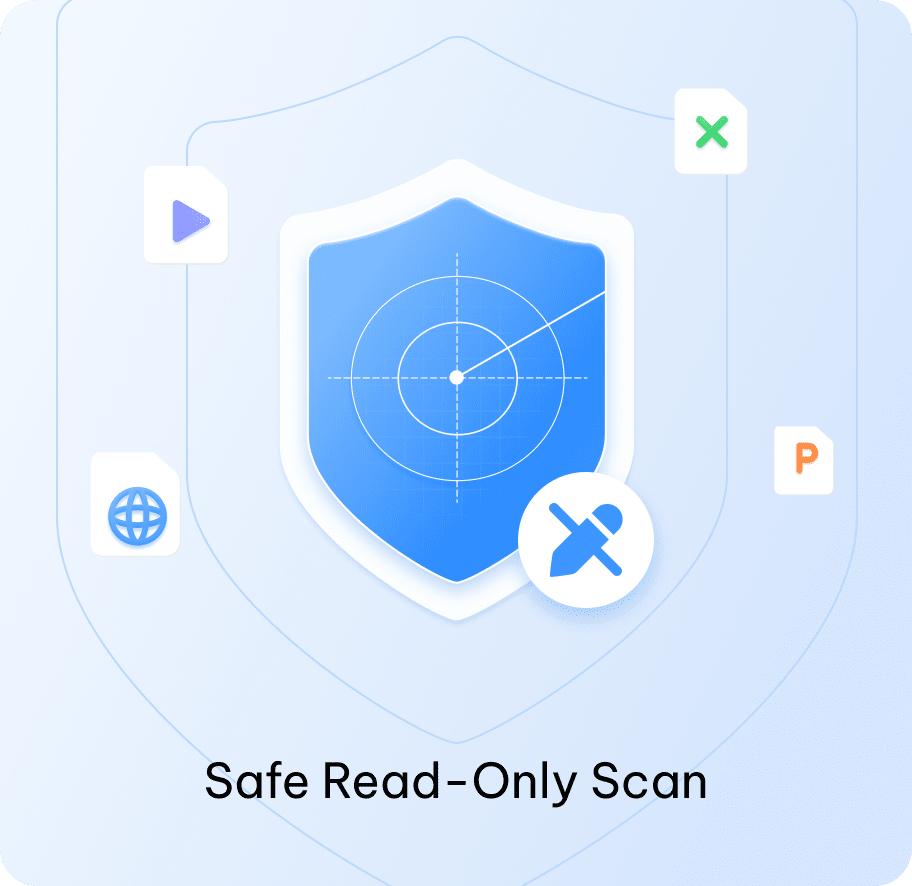
4DDiG goes beyond simple scanning—its AI-powered, read-only process ensures high recovery rates while keeping your data completely intact.

Why choose software over manual recovery? Because this hard drive data recovery tool delivers faster, safer, and more effective results.
 4DDiG Professional Software








4.8 / 5.0
 (Based on 50,000+ Real Users)

I accidentally emptied the Recycle Bin with my monthly report inside. 4DDiG found it within minutes. The preview feature also helped me confirm the file before recovering it.

My external hard drive suddenly became unrecognized and showed RAW. I didn't know what that means. I was worried about losing years of photos. 4DDiG scanned the drive and recovered all my RAW and JPEG files. Absolutely a lifesaver!

I accidentally formatted the wrong partition while reinstalling Windows. Other tools could only recover a few files, but 4DDiG recovered all my family videos and rebuilt the file structure.

My laptop was stuck on the blue screen of death and wouldn't boot. With 4DDiG's bootable drive creator, I was able to access my files and save them to a USB drive. It's much cheaper than going to a repair shop!

My SD card showed an "Access is Denied" error after a trip. 4DDiG was able to bypass the error and recover all my vacation photos in good quality. The interface is very easy to use.

Yes. 4DDiG lets you create a bootable USB to start your crashed computer and access your files, making it ideal for recovering data from a Blue Screen of Death (BSOD) or system failure.
You can try connecting the hard drive to another computer using a USB adapter. If it's still not accessible, create a bootable USB with 4DDiG to start the computer and run a deep scan to recover your data.
Yes. Even if a hard drive has been formatted, 4DDiG can scan the drive and recover lost files, including documents, photos, and videos. The sooner you start, the higher the chances of recovery.
The recovery time depends on the size of the hard drive and the amount of data. Small drives can be scanned and recovered in minutes, while larger drives or drives with lots of data may take several hours.
Yes, but it depends on the cause. A beeping hard drive usually indicates a physical issue. While 4DDiG can help recover accessible data, severely damaged drives may require professional repair.
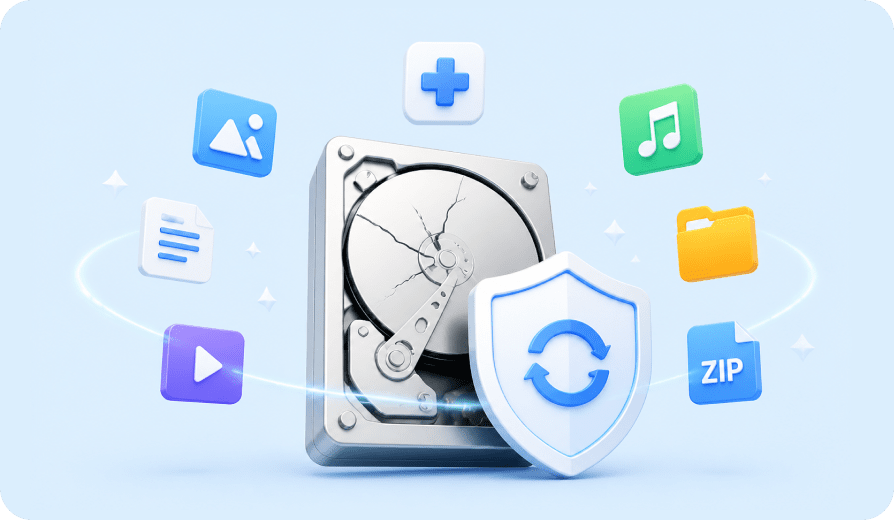
A formatted drive doesn't always mean your files are gone. Learn how data can still be recovered from hard drives after formatting, and what factors affect recovery success.
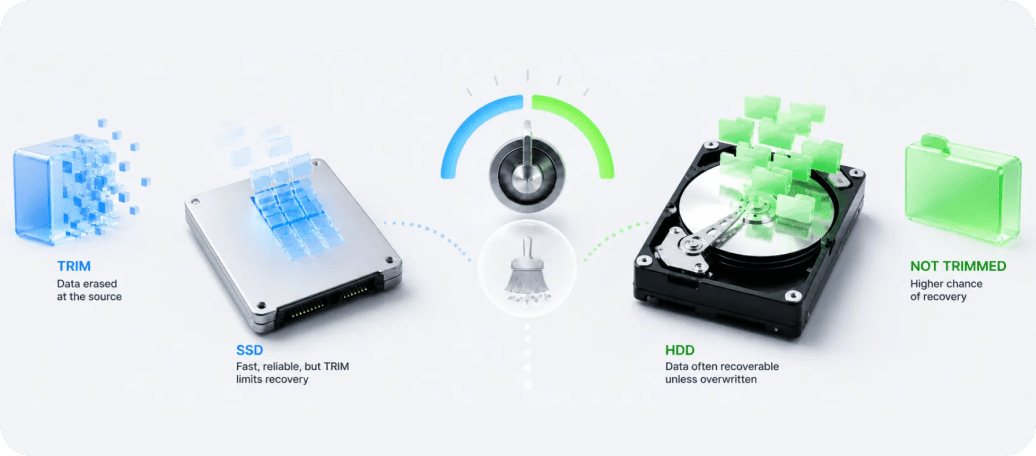
Why TRIM makes SSD recovery different from HDD, and what methods that give you the best chance of recovering lost files.
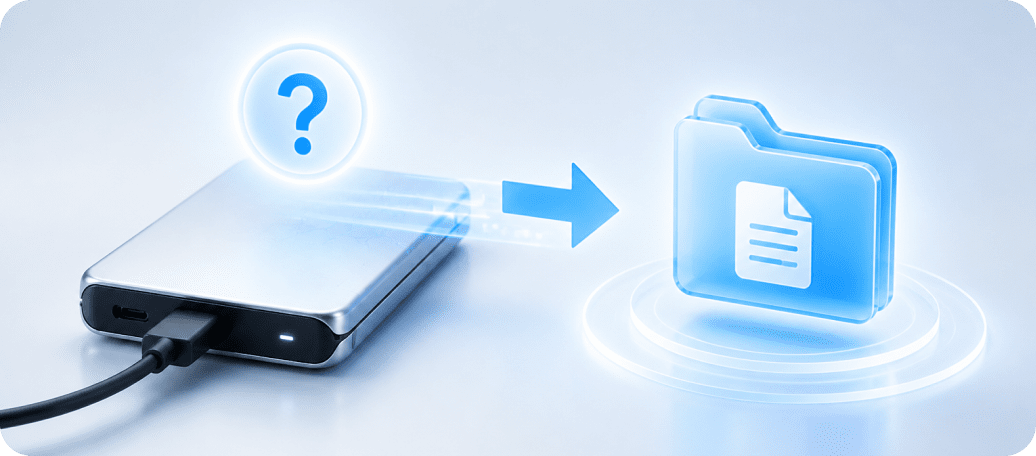
Step-by-step instructions to recover data from external drives that are not showing up or not recognized by your PC.


