5 min
Average Recovery Time
4DDiG Windows Data Recovery Pro

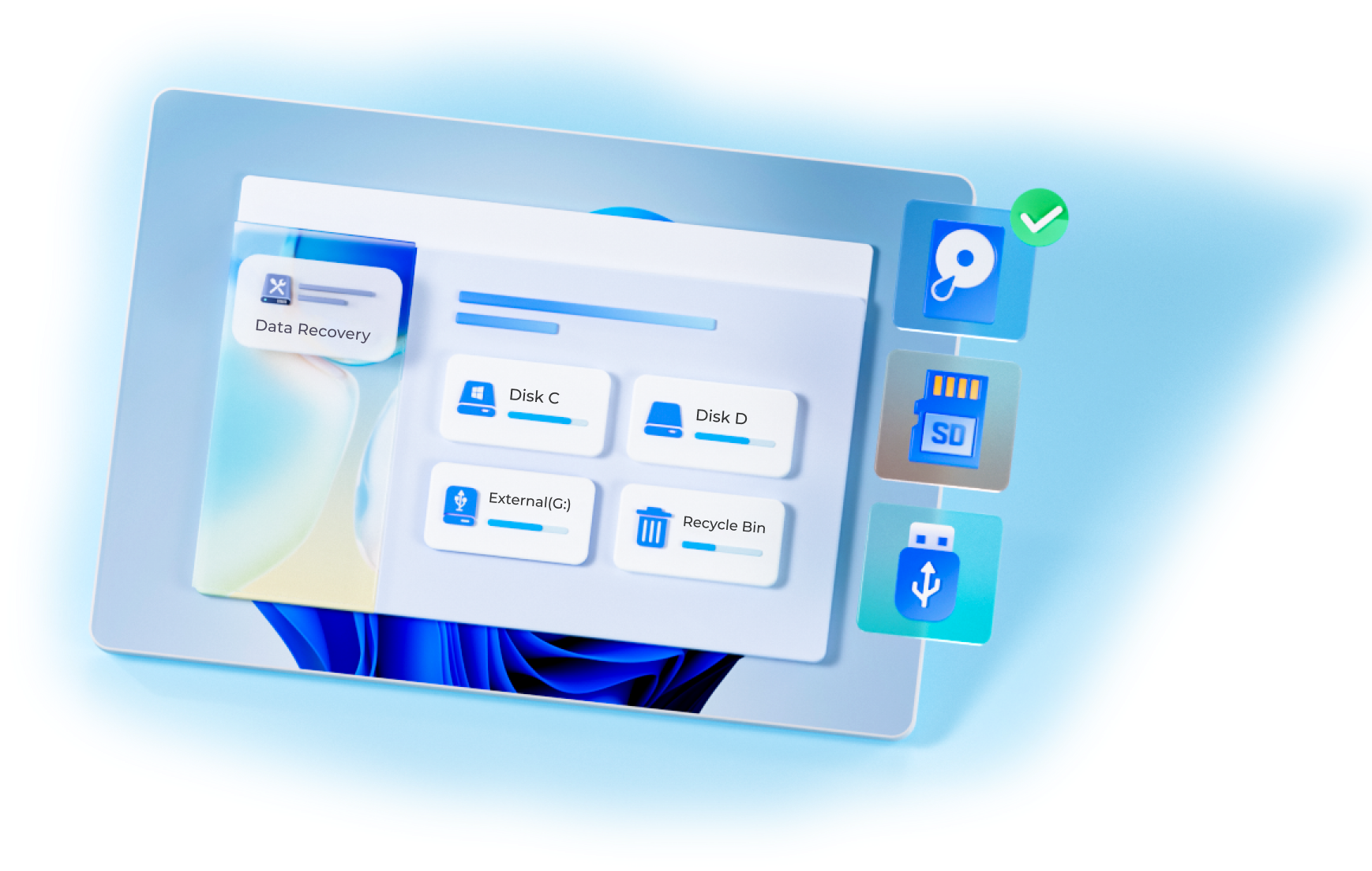

Data Recovery Experience

Patented Technology

Recovery Rate
Average Recovery Time

Secure
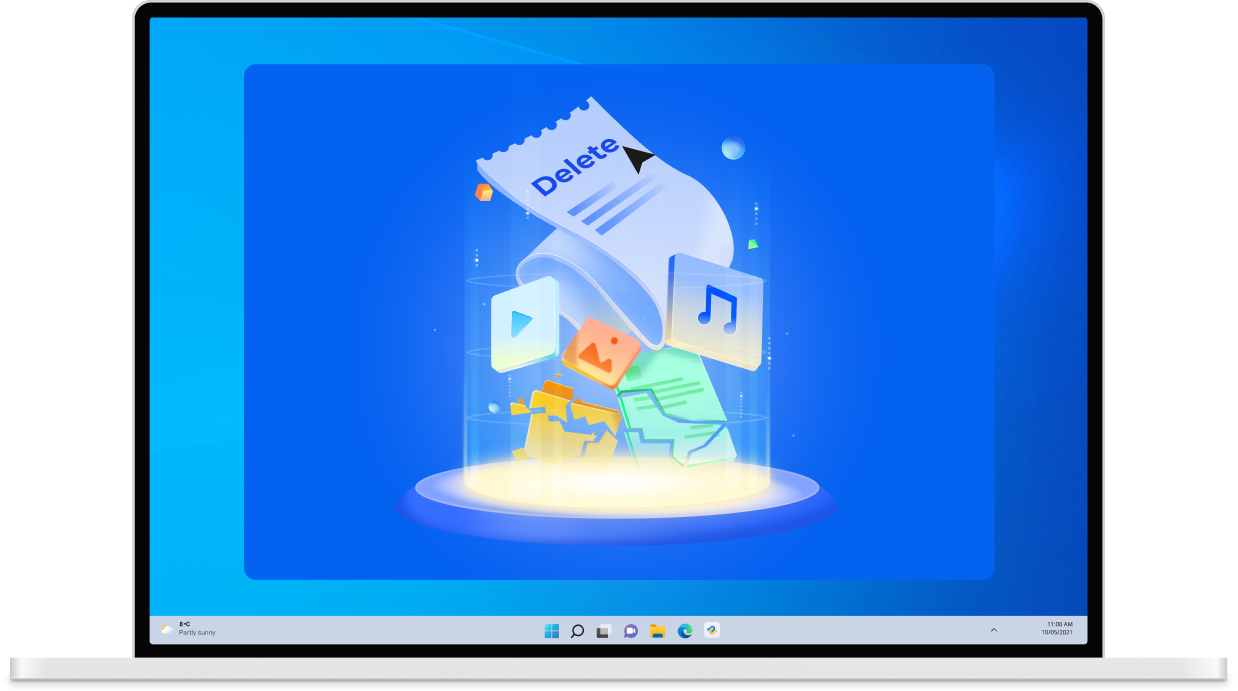
Accidental deletion is one of the most common causes of data loss. Important files can be mistakenly removed by pressing the wrong key, emptying the Recycle Bin, using Shift + Delete, or deleting data from external drives without realizing it. Fortunately, with 4DDiG Data Recovery, you can quickly scan your device and restore accidentally deleted photos, videos, documents, or emails safely.
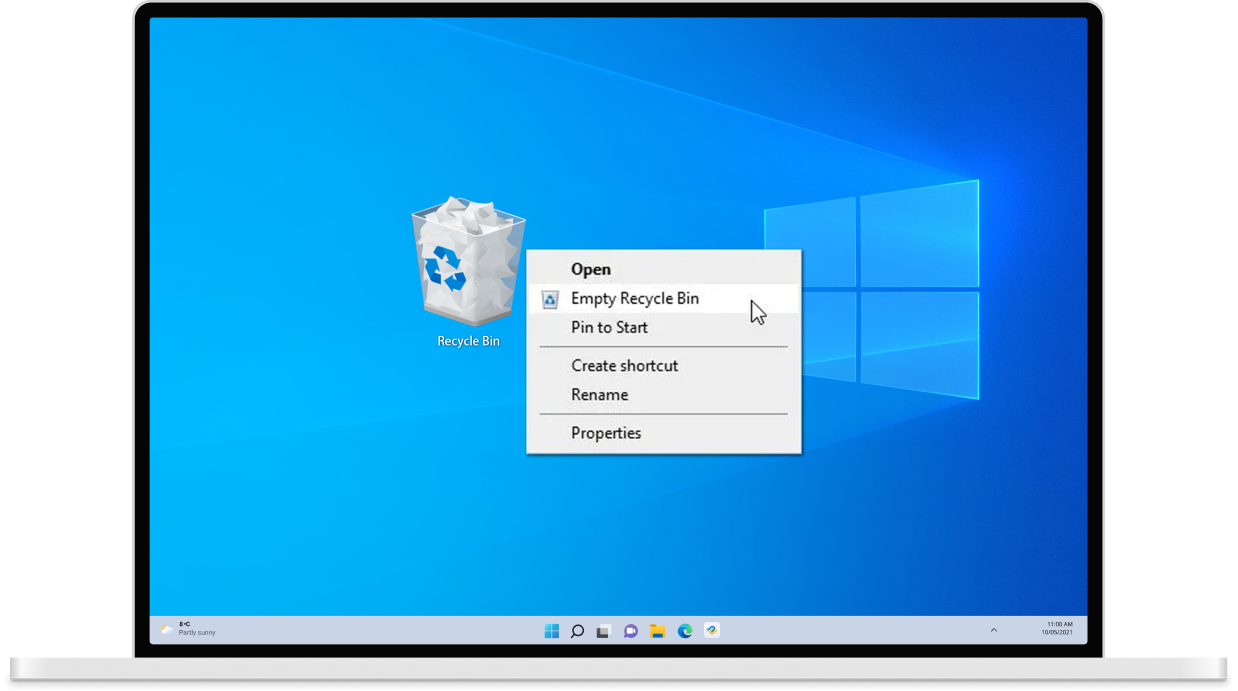
You suddenly realize the Recycle Bin has been emptied, along with the files you still needed. In an instant, everything seems permanently deleted. But even after the Recycle Bin is emptied, your data may still be recoverable. With 4DDiG, you can thoroughly scan your drive, locate lost files, and restore them quickly and safely.
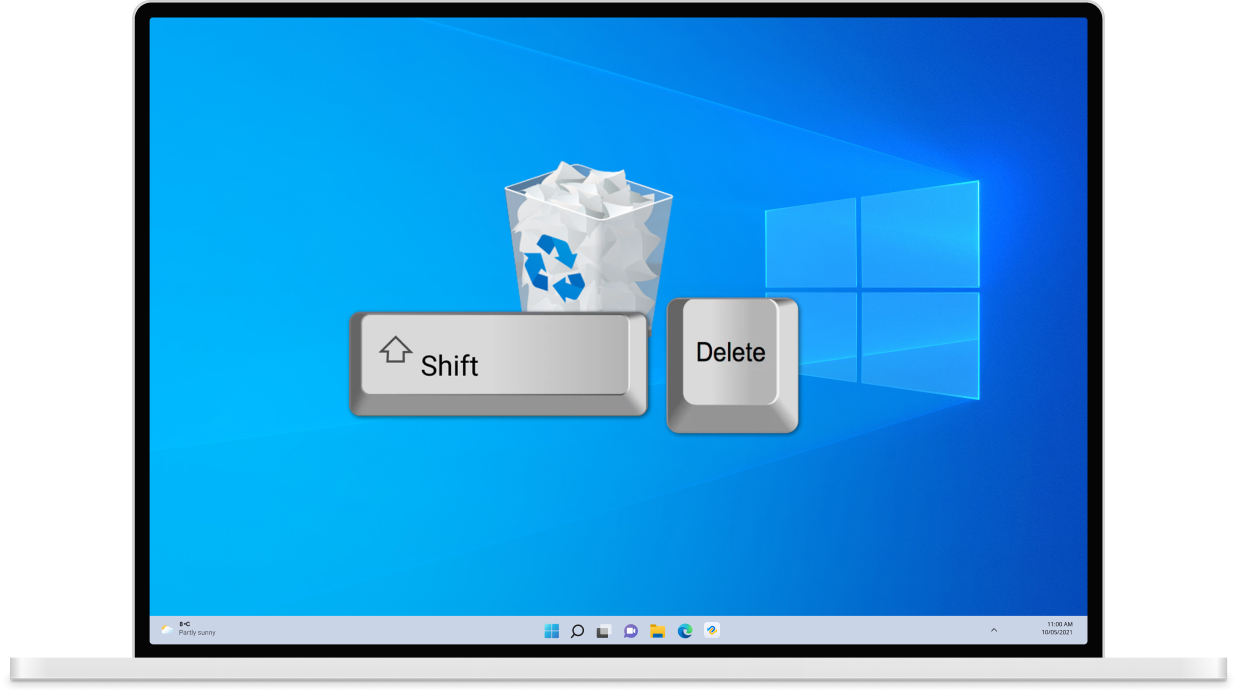
Using Shift + Delete permanently removes files without sending them to the Recycle Bin, leaving no easy way to undo the action. However, even files deleted with Shift + Del may still be recoverable before they are overwritten. You can perform a deep scan of your drive to find those permanently deleted files with 4DDiG.
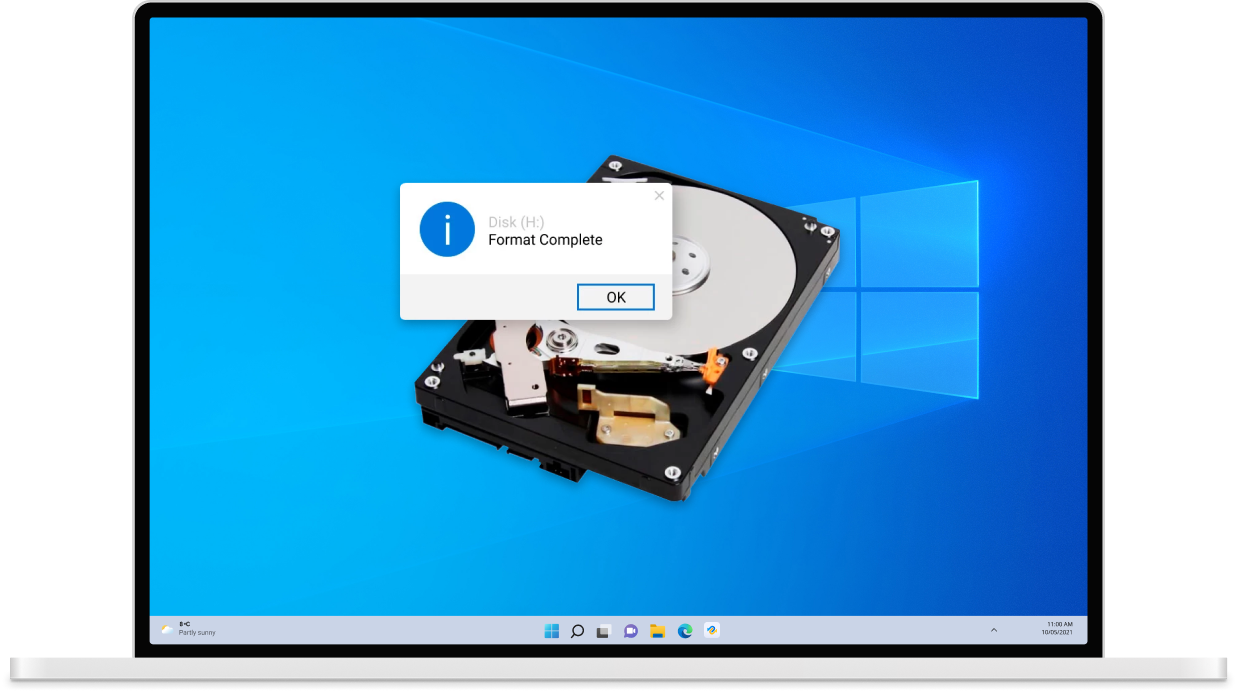
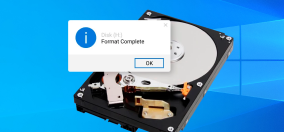
Formatting a drive can erase all stored data in just a few clicks—whether it was done intentionally, accidentally, or during system setup. Important files such as documents, photos, videos, and other data can disappear instantly after formatting the storage device. But formatting doesn’t always mean your data is permanently lost. With 4DDiG Data Recovery, you can scan formatted drives and restore your data.

Accidentally deleting files from an SD card can happen in seconds, while reviewing photos on a camera, organizing files on a computer, or clearing space for new recordings. Even though the files seem gone, the data often remains on the card until it’s overwritten, giving you a chance to recover it safely. With 4DDiG, you can thoroughly scan your SD card and retrieve your photos, videos, and other important files quickly.
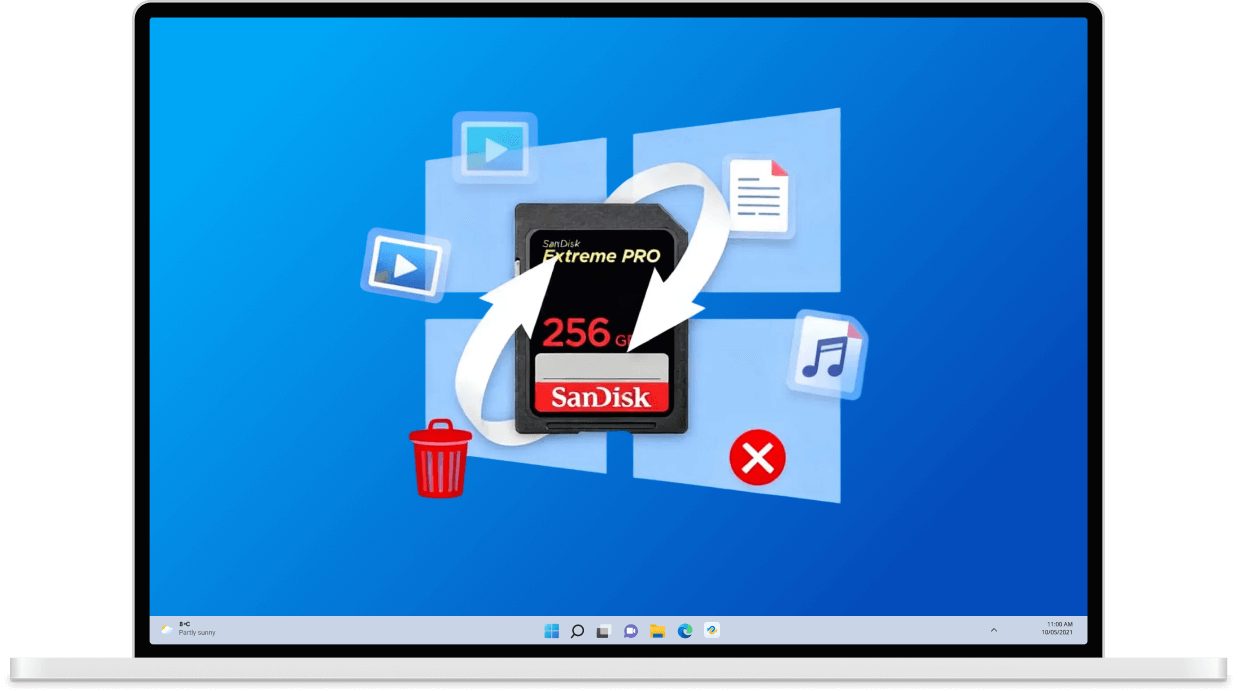
Formatting an SD card is a quick way to clear space, set up a new file system, or fix errors—but it can also erase important files in an instant. Whether it was done accidentally or as part of routine maintenance, seeing all your data disappear can be alarming. Don't worry, you can scan the formatted SD card and safely recover your valuable files via 4DDiG.
A corrupted SD card can make your files suddenly inaccessible, often caused by improper ejection, virus attacks, or file system errors. When this happens, it can be frustrating to see important data become unreadable. With 4DDiG, you can safely access and recover the files from the corrupted SD card, restoring your valuable data without hassle.
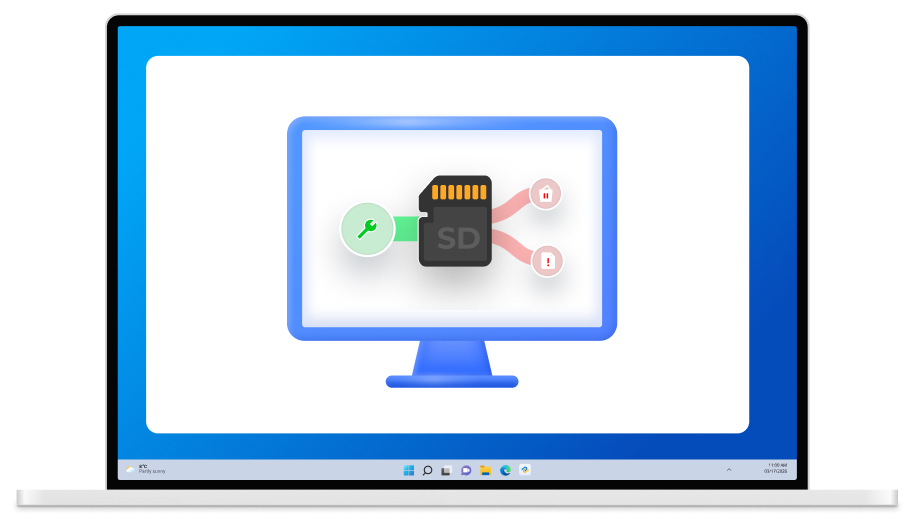
Sometimes, an SD card may not be detected by your camera, computer, or other devices, leaving your files seemingly out of reach. This can happen due to connection issues, driver errors, or file system problems. Even when the card isn’t recognized, there are ways to access and recover your important data safely.




Data loss can occur when an external hard drive is connected to your computer but fails to appear in File Explorer or Disk Management. This issue may result from a faulty connection, driver problems, or even physical damage to the drive. In such situations, 4DDiG can help you safely recover your important files and get your data back.
Sometimes, an internal or external hard drive can become corrupted, making it unrecognizable or inaccessible in Windows 11/10/8/7. When this happens, the data stored on the drive is at risk of being lost. With 4DDiG Windows Data Recovery, you can quickly and safely recover files from a corrupted or failed hard drive, protecting your important data.
Data can be lost when a hard drive develops bad sectors, which may cause your computer to freeze or crash when accessing files or programs. This is often a warning sign that parts of the disk are damaged. In such cases, 4DDiG can help you safely recover data from HDDs or SSDs affected by bad sectors.
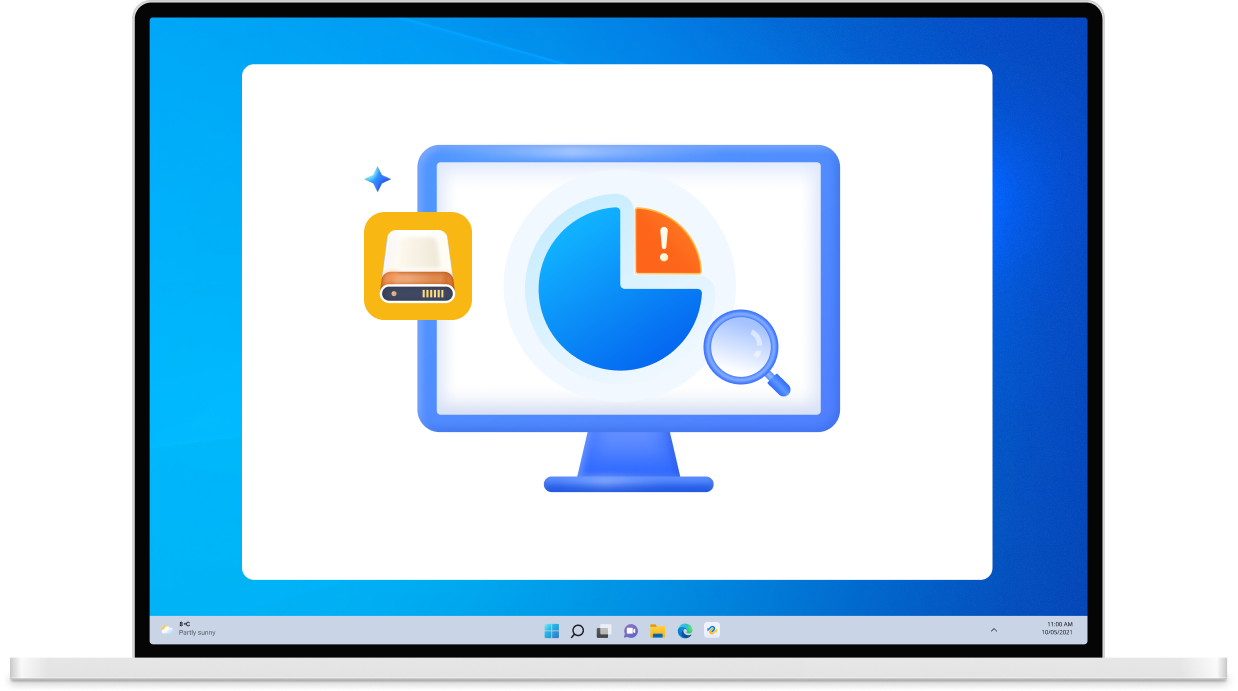
The "Disk Unknown, Not Initialized" error can appear unexpectedly on any Windows version. When this happens, an external hard drive may show as "unallocated space" or fail to display its capacity in Disk Management, making your data inaccessible. Fortunately, with 4DDiG, you can recover files from an uninitialized disk safely.
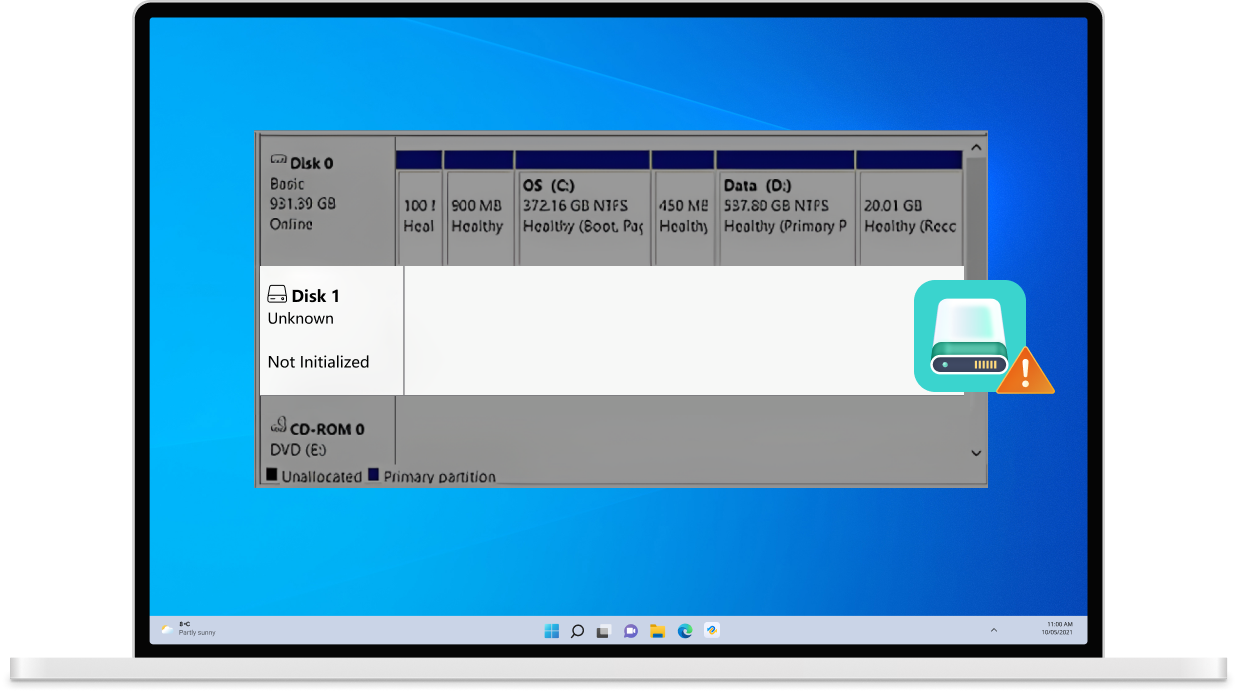



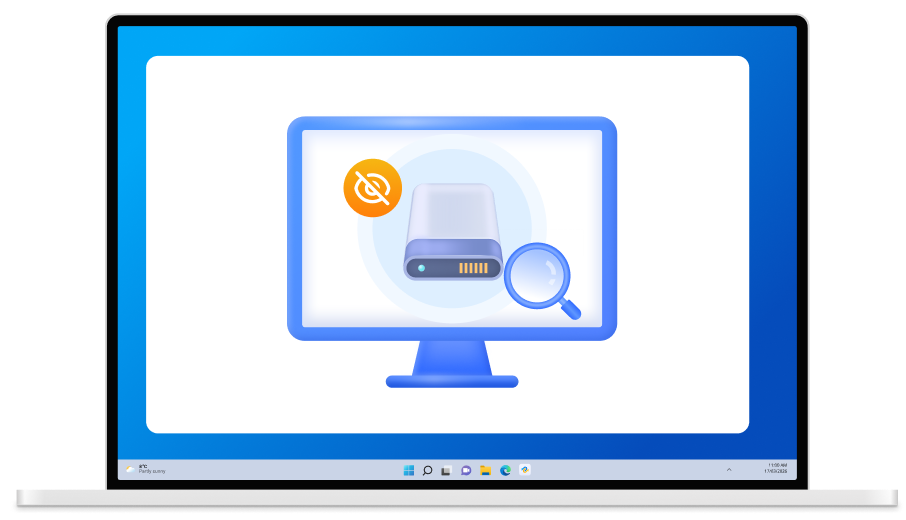
Sometimes, a partition may suddenly disappear and become invisible in Windows File Explorer. Losing a partition can be stressful, as it often means your important data is at risk. With 4DDiG Windows Data Recovery software, you can safely recover files from lost partitions.
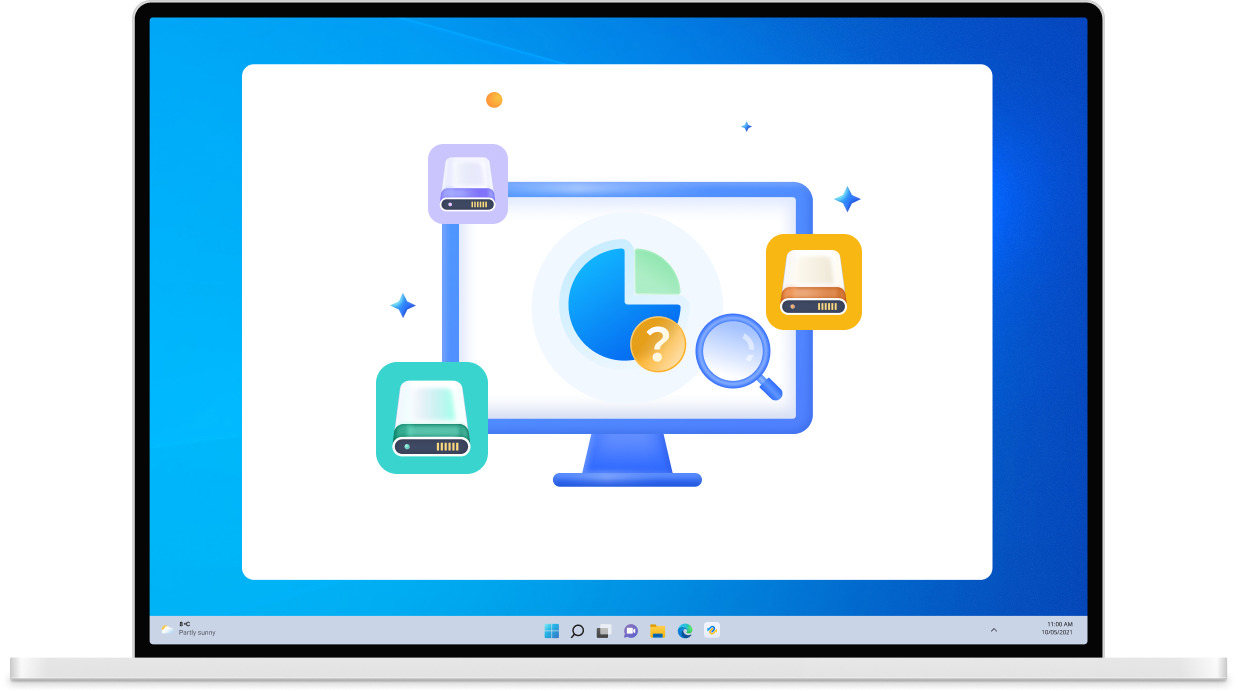
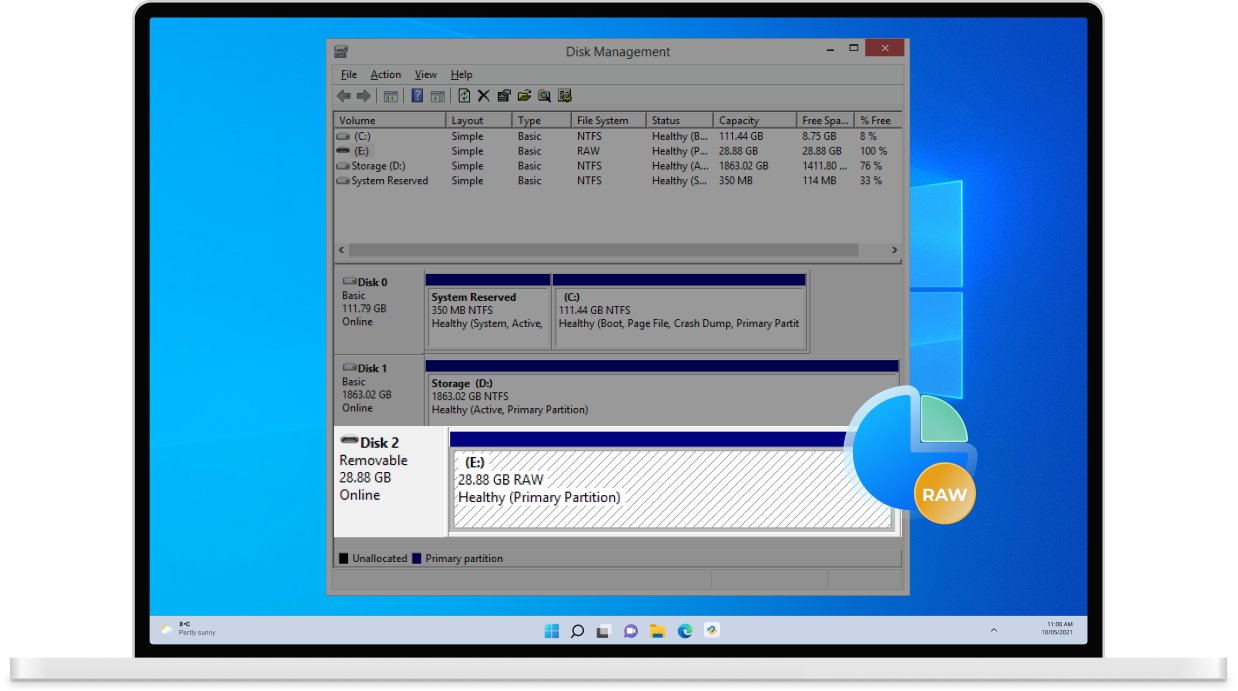
When a partition shows up as RAW, it becomes inaccessible and your files cannot be opened. Tenorshare 4DDiG offers a reliable solution to recover data from RAW partitions and restore your important files.
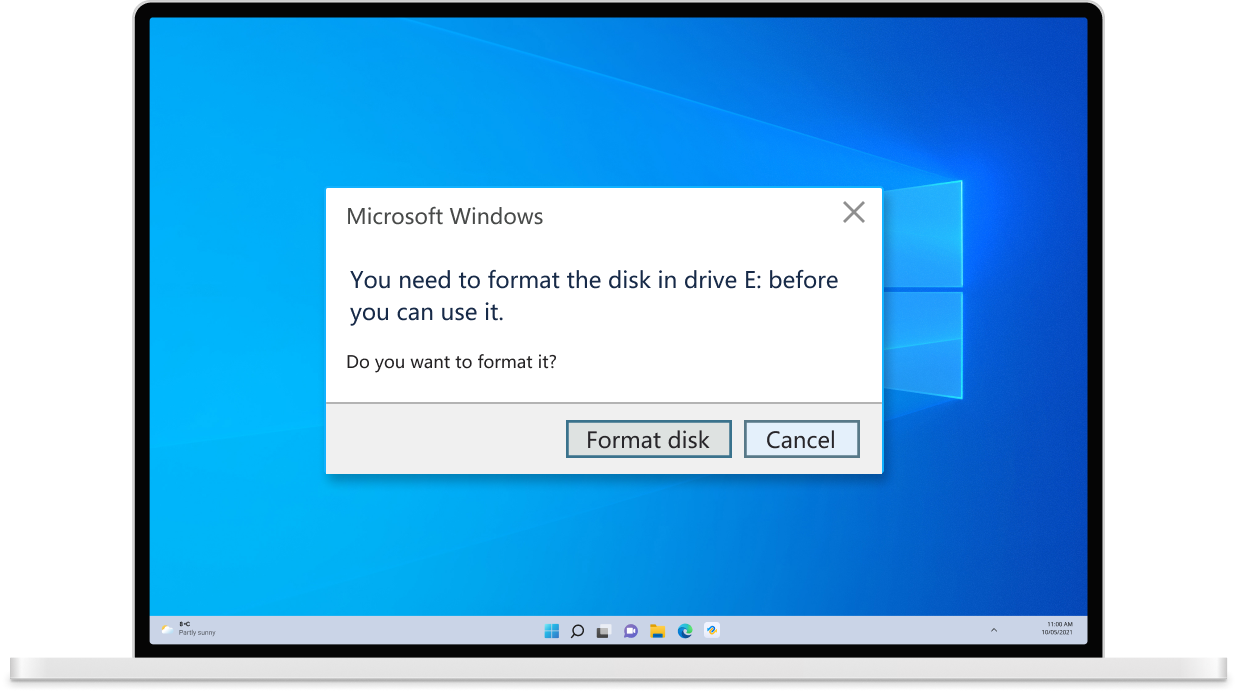
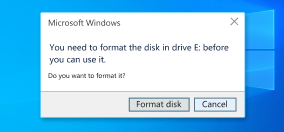
If you connect an external drive, USB flash drive, or SD card and see the message, “You need to format the disk before you can use it,” it usually indicates the drive’s file system is damaged. In this case, 4DDiG can help you recover data from the drive without losing your files.
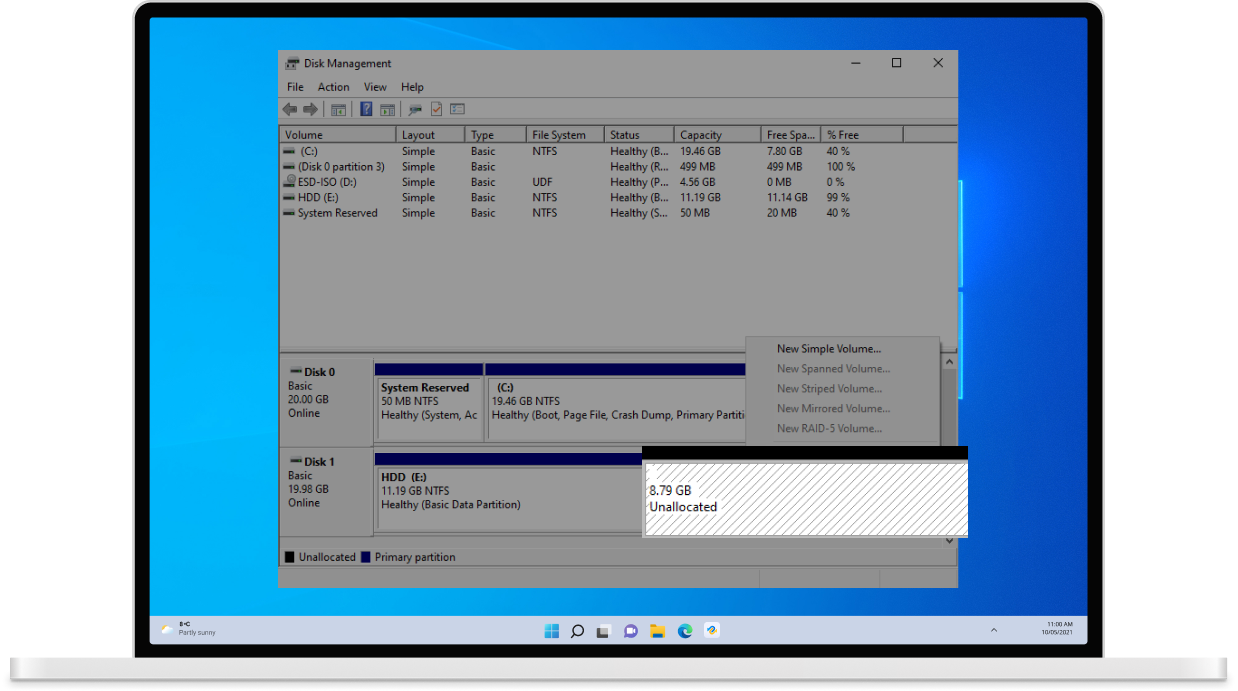
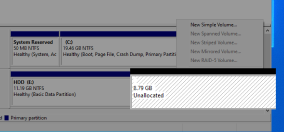
Unallocated Disk Space Unallocated disk space—caused by lost partitions, hardware failure, or virus attacks—leaves your storage inaccessible. No matter the cause, Tenorshare 4DDiG Data Recovery can help you retrieve files from unallocated space.

Operating system crashes are a common cause of data loss. When an OS crashes, it can damage the file system, making files stored on the hard drive inaccessible. This can result in black or blue screens, system freezes, or boot failures, leaving your important data at risk.
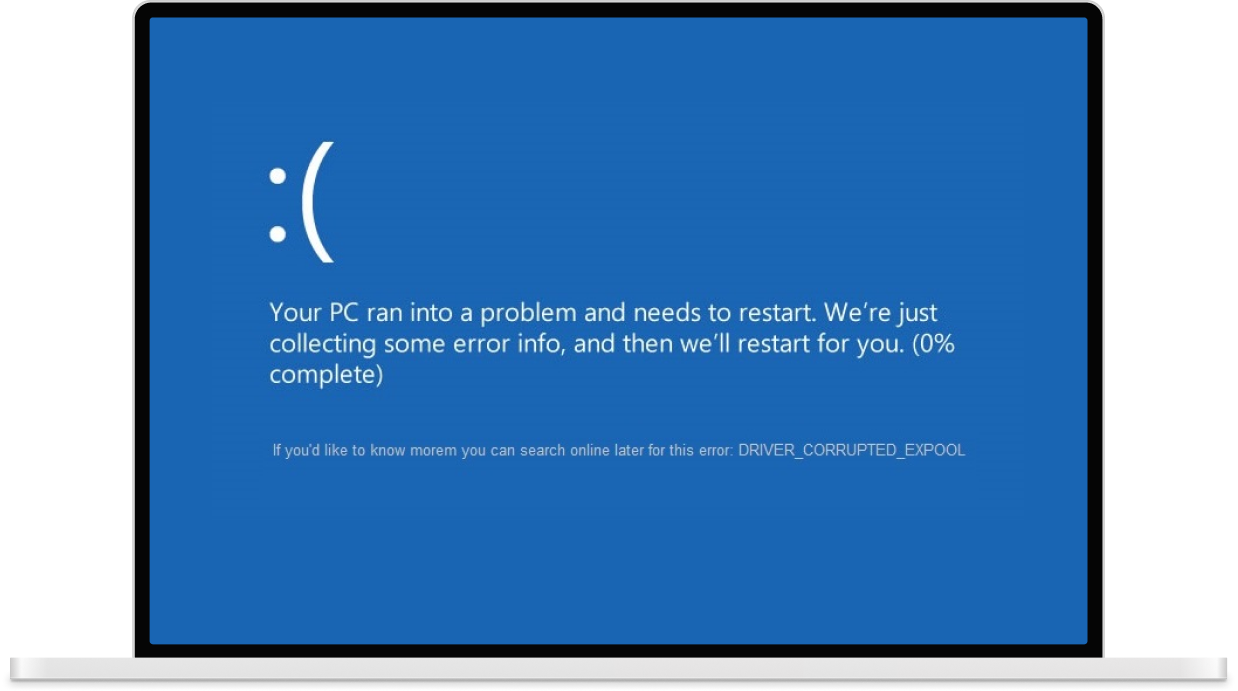
Reinstalling Windows can fix system issues but may also overwrite or erase important files. If you lose data after reinstalling your OS, 4DDiG uses advanced algorithms to scan your drive and recover even heavily damaged files.

A restart loop can occur due to software bugs, hardware failures, or other issues, preventing you from accessing your computer. When your system keeps restarting endlessly, 4DDiG can help you retrieve your files.

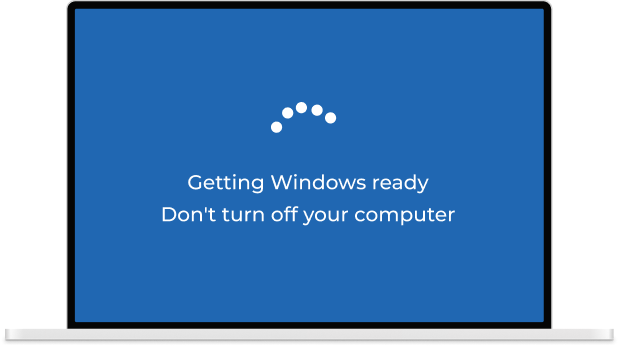
If your computer gets stuck on the “Getting Windows Ready” screen, it may never fully start, leaving your files inaccessible. 4DDiG can help you recover your important files even when the system fails to boot.
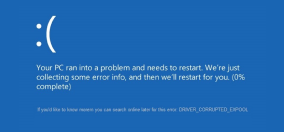


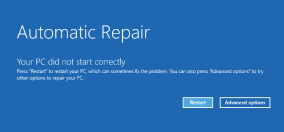
Unexpected power outages can shut down your computer suddenly, putting your important documents, projects, and system data at risk. 4DDiG uses advanced recovery algorithms to safely retrieve your files without corruption.

If documents are lost due to application crashes or sudden shutdowns, 4DDiG makes it easy to recover unsaved Word, Excel, PowerPoint, and other files, ensuring your work is never lost.
Data loss caused by malware or virus attacks, such as ransomware or virus infections, can be devastating. 4DDiG helps you effortlessly recover deleted or compromised files, restoring your important data safely.

Whether caused by accidental drops, hardware malfunctions, or other physical issues, 4DDiG can recover data from damaged hard drives, broken USB drives, or other devices, even in severe cases.




Take full control of your data recovery with 4DDiG, where every step is optimized to save time, reduce effort, and maximize results.

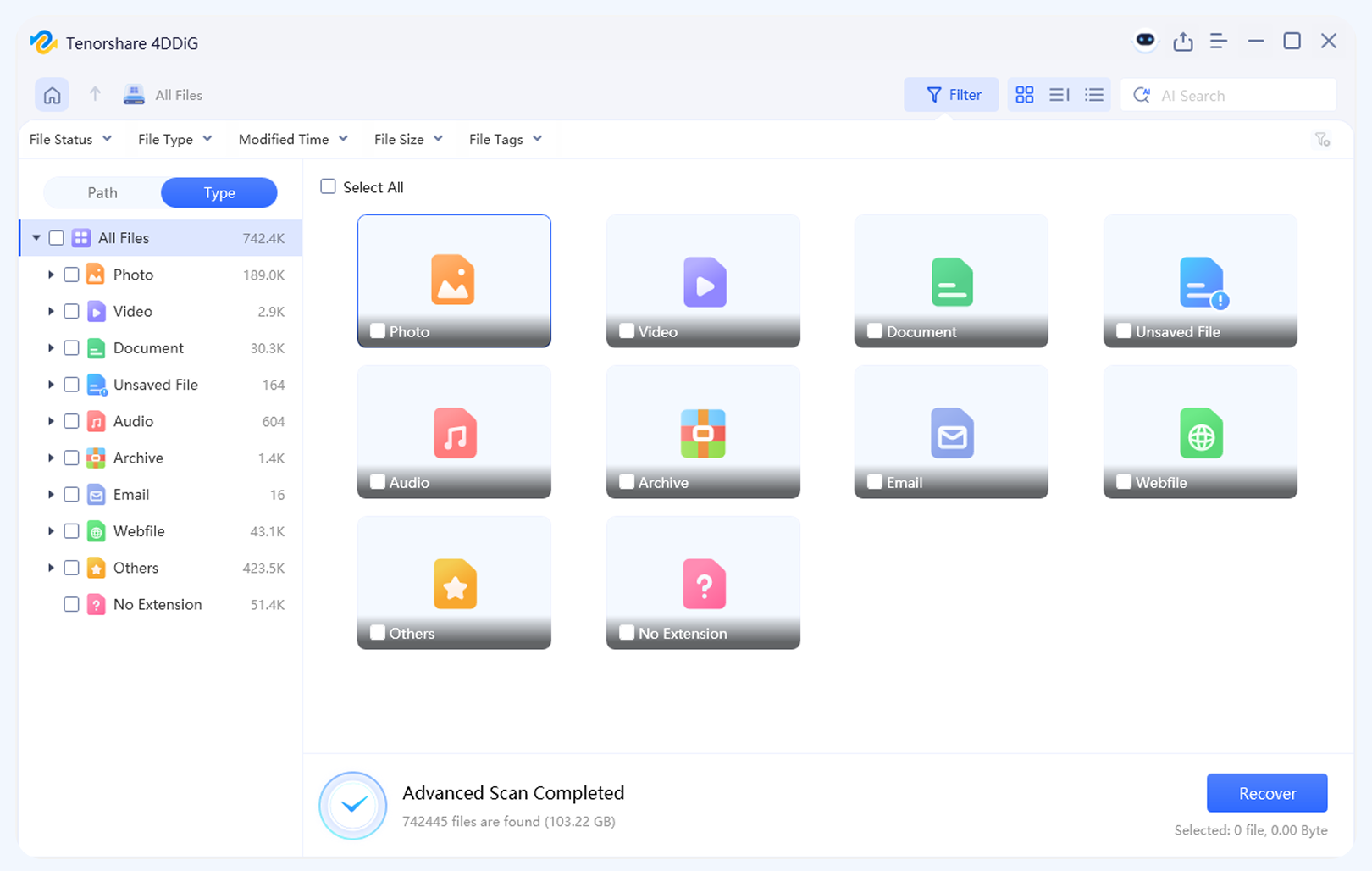
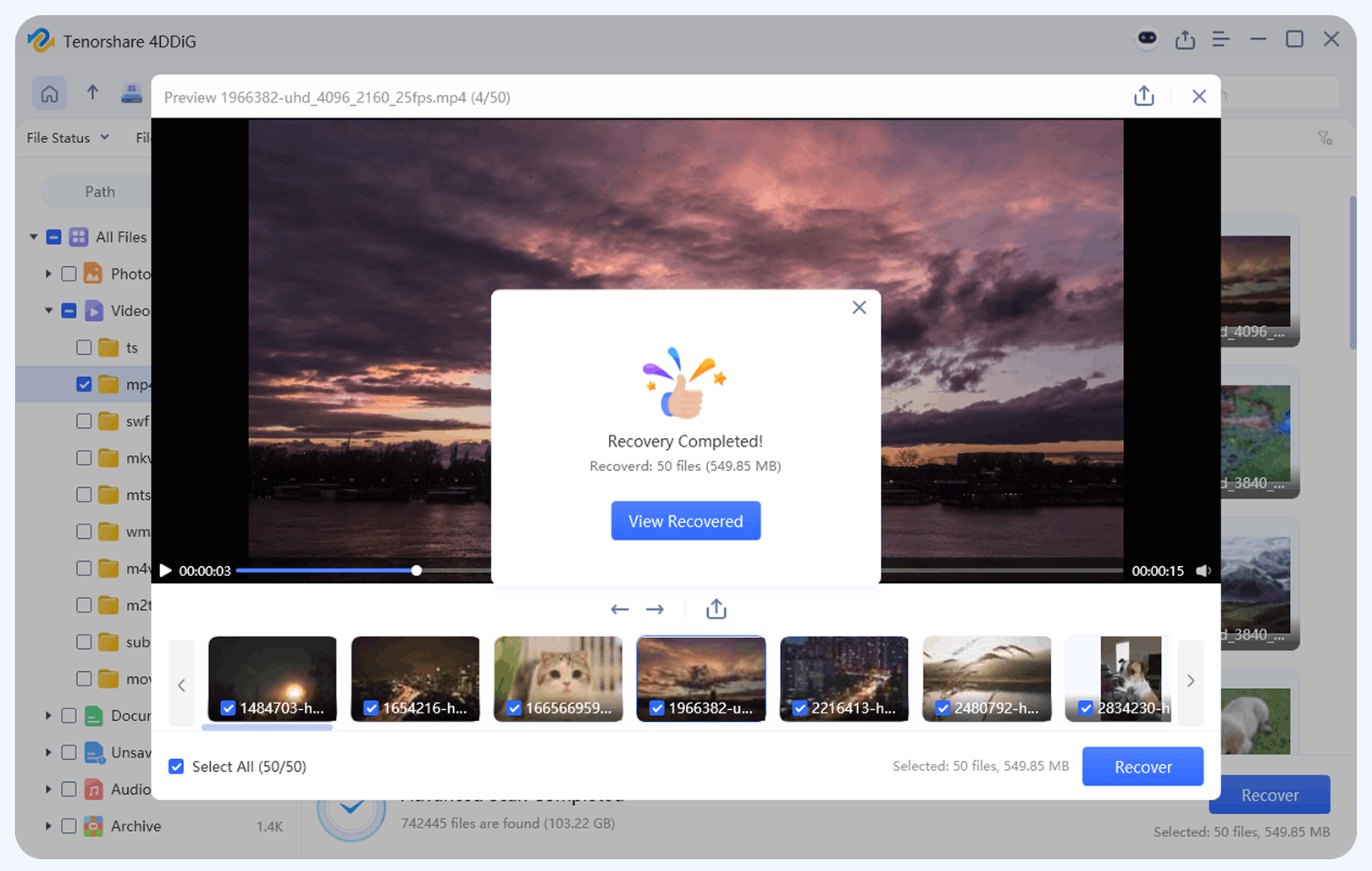
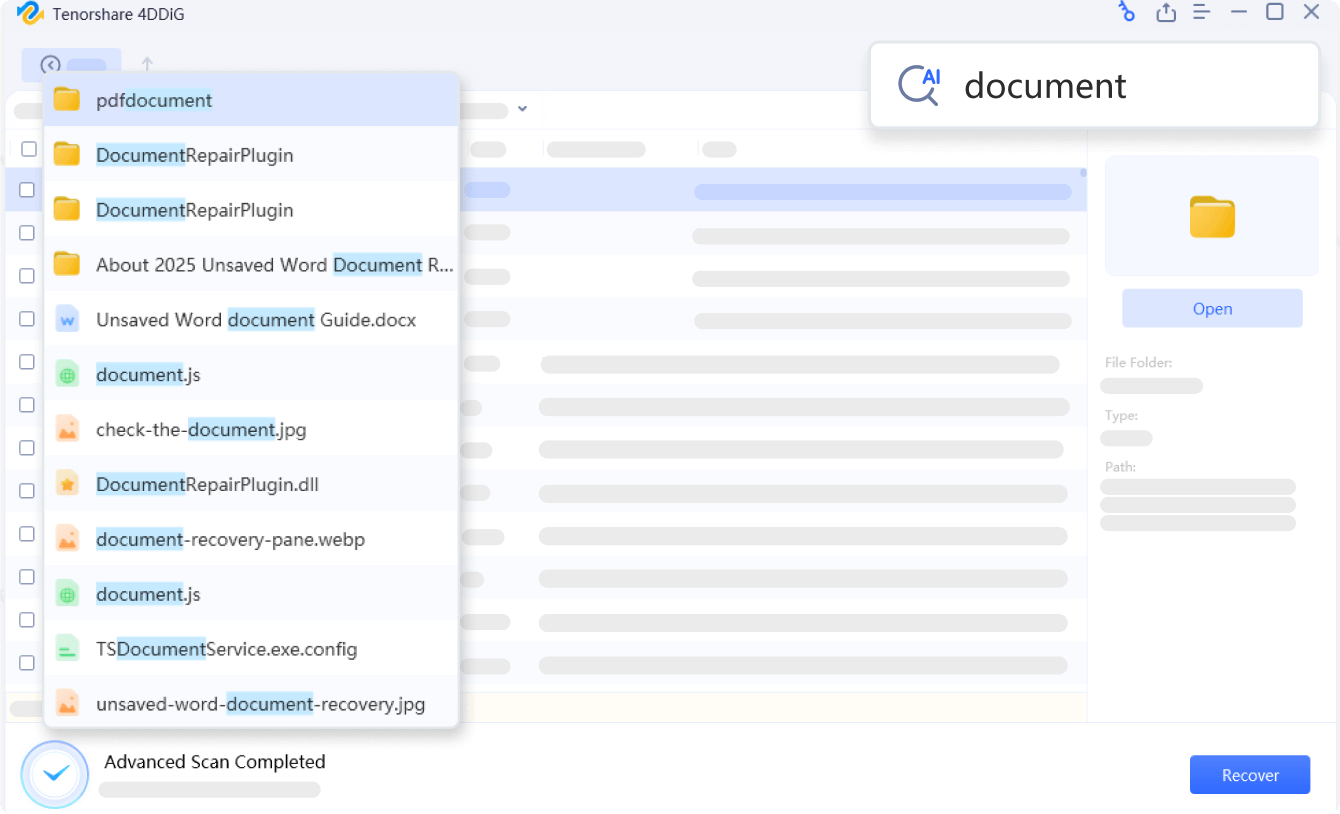
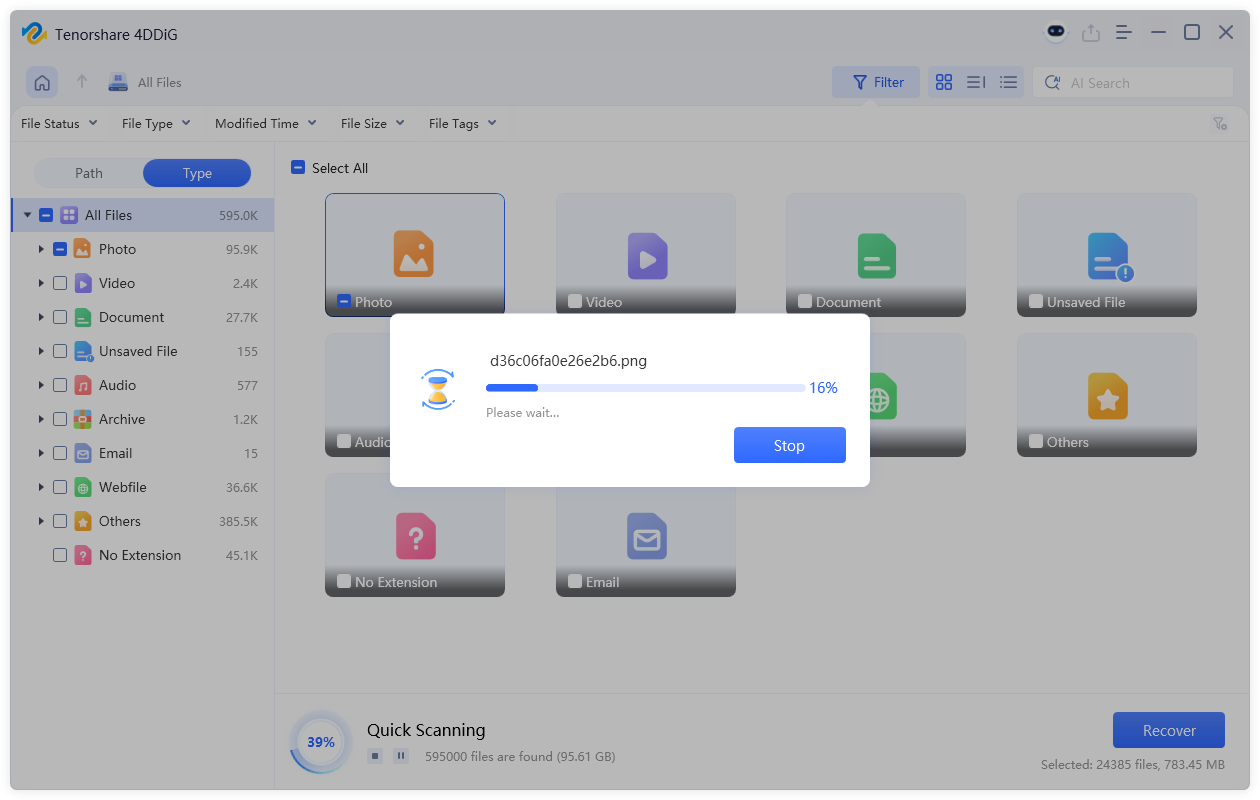
Preview different file types before recovery to restore only what you need, saving both time and storage space.

No need to wait for the full scan to complete! Recover files immediately as they are identified during the ongoing scan, helping you get important data back faster.

Using advanced AI, 4DDiG automatically scans and repairs corrupted photos and videos, restoring damaged files with ease.

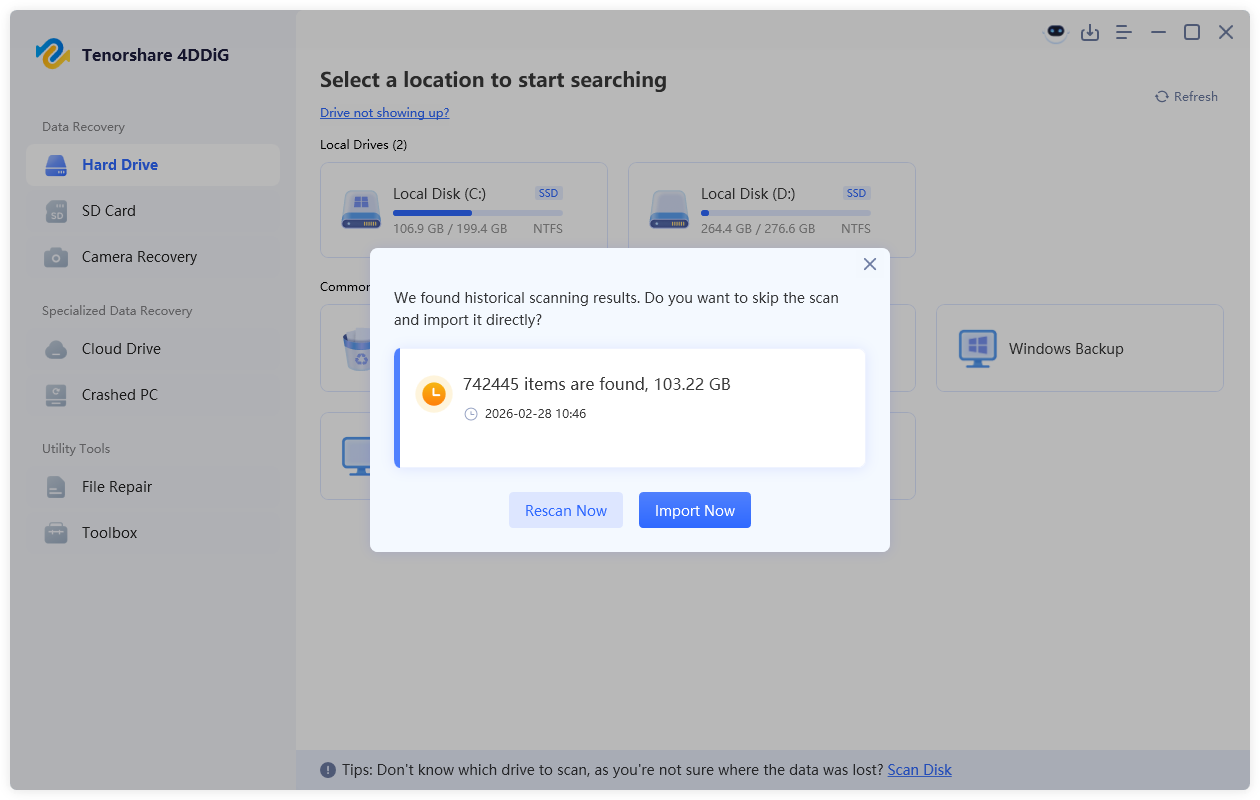
Directly resume unfinished recoveries or access files from your last scan, saving time by avoiding repeated scanning.
Tenorshare 4DDiG Windows data recovery software has been thoroughly tested for data recovery performance across mass storage devices in 10 different factories, covering a wide range of brands. These tests confirm that the 4DDiG can efficiently recover all types of files, including images, videos, music, and emails from various storage devices.

Dell, HP, Lenovo, Apple, Acer, Asus, Microsoft

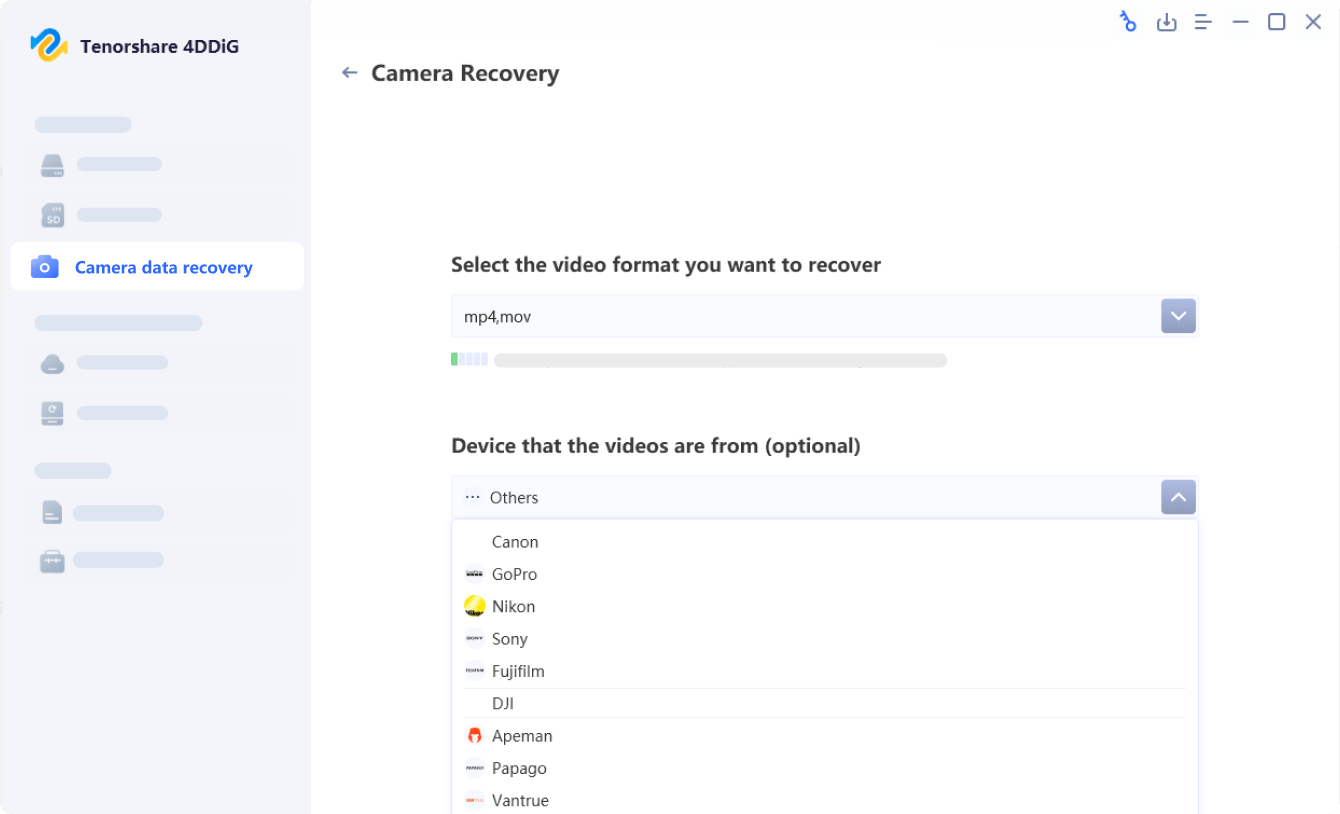
Canon, Nikon, Sony, Fujifilm, Panasonic, Olympus, GoPro

DJI, Autel, Parrot, Skydio, Holy Stone, Hubsan, Yuneec, EHang, Zerotech

PPhilips Healthcare, Medtronic, Boston Scientific, Accuhealth, GE HealthCare, Masimo

Nextbase iQ 4K, Ring Car Cam, Cobra SC400D, Wolfbox G890, Garmin Mini 2, Car and Driver Road Patrol

Samsung, WD, Kioxia, Seagate, Micron, Crucial

CF card, SD card(SDHC/SDXC), MMC, SmartMedia, xD-Picture Card, MiniSD, MicroSD

USB Flash Drive, Pen Drive, Thumb Drive (FAT16, FAT32, exFAT, NTFS, HFS, HFS+, APFS)

CD, CD-R, CD-RW, DVD, DVD-R, DVD-RW, DVD+R, DVD+RW, Blu-ray

iCloud, OneDrive, Dropbox

Word (.doc, .docx, .dot, .dotx), Excel (.xls, .xlsx, .xlsb, .xlt, .xltx), PowerPoint (.ppt, .pptx, .pps, .ppsx, .pot), RTF, PDF

Photos (JPEG, PNG, GIF, BMP, TIFF), RAW formats (CR2, NEF, ARW, DNG, ORF, RAF, CRW), HEIC/HEIF

MP4, MOV, AVI, M4V, WMV, MKV, FLV, AMV, MPEG/MPG, 3GP

MP3, WAV, AAC, FLAC, OGG, WMA, AIFF, ALAC, AC3, AMR

ZIP, RAR, 7Z, TAR, GZ, ISO, CAB, ARJ, LZH, SIT, SITX

Outlook (MSG, PST, OST), Apple Mail (MBOX), Thunderbird (EML)

HTML, PHP, ASPX, CGI, ELM, IGY, graphic files (AI, PSD, INDD, AFX, ANI)
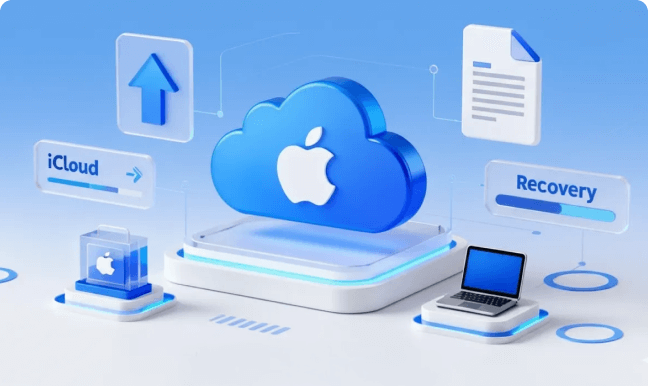
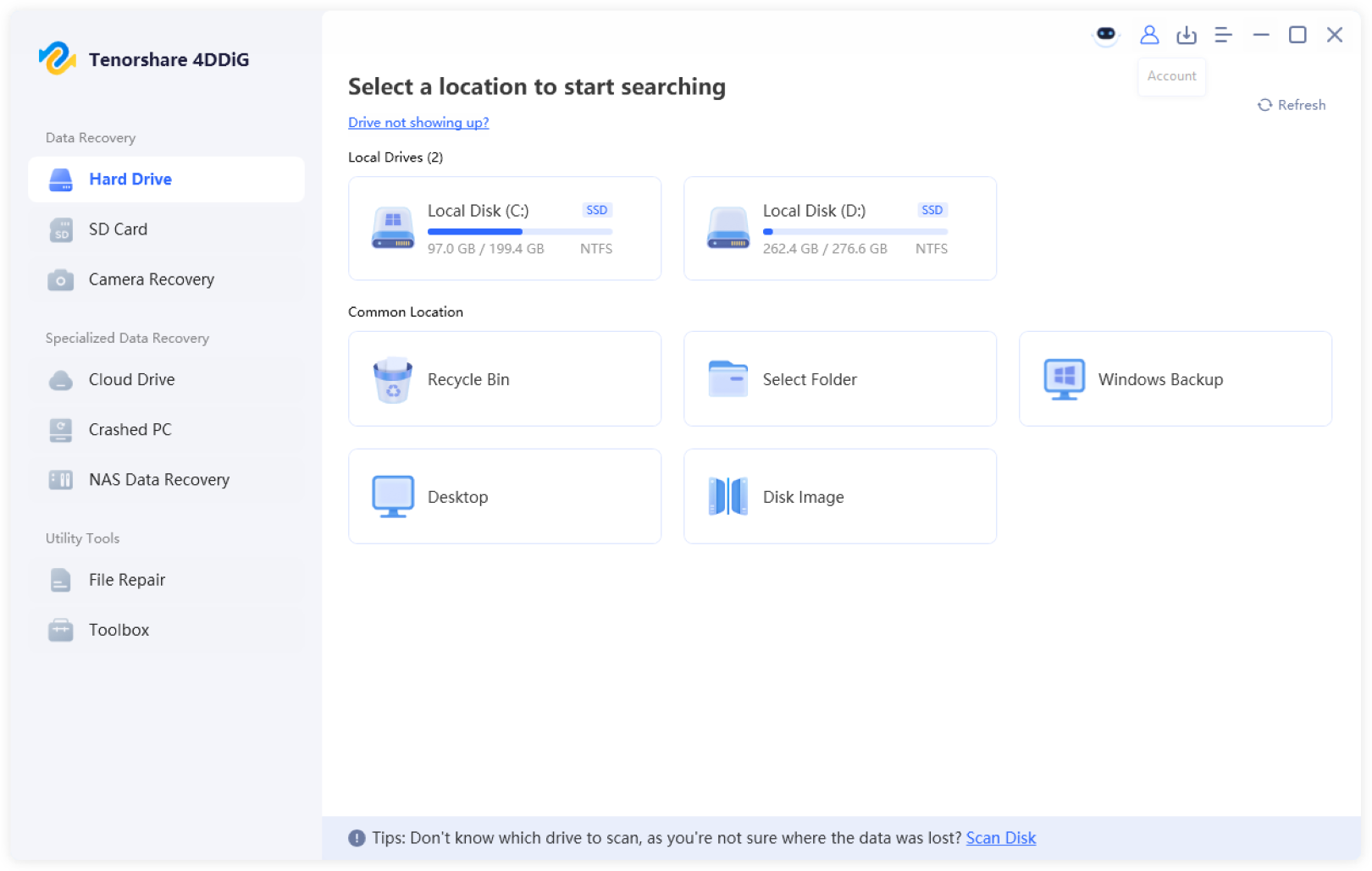
4DDiG lets you recover lost files from cloud storage platforms such as iCloud, OneDrive, and Dropbox quickly.
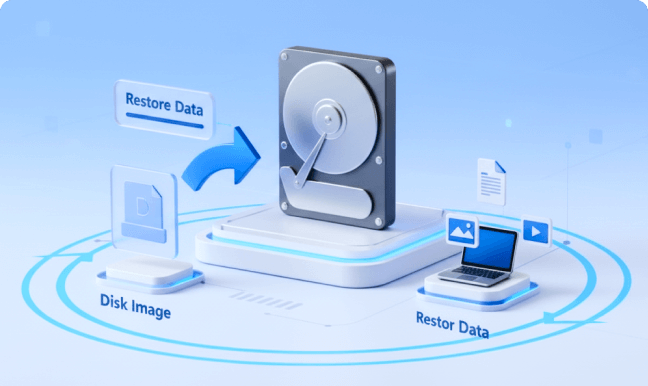
A disk image is a complete copy of a drive. 4DDiG lets you create and scan it to recover files without damaging the original drive.

BitLocker is a built-in Windows encryption feature. 4DDiG helps you recover files from BitLocker-encrypted drives safely.

4DDiG lets you recover data from NAS devices (e.g., Synology, QNAP, Western Digital, and Seagate) over a network.
| Feature |
 Recuva Recuva
|
 R-Studio R-Studio
|
 4DDiG 4DDiG
|
Other Data Recovery Software |
|---|---|---|---|---|
| Recovery Success Rate | 90% | 90% | 99% | 92-96% |
| Time Required | >30 mins | >30 mins | 5-10 mins | 15-30 min |
| Search by "File Content" | ||||
| Unsaved Document Recovery | Partial support | |||
| Recover While Scanning | Partial support | |||
| AI-powered Corrupted File Repair | Partial support | |||
| NAS Recovery | Partial support | |||
| Recover data from Cloud Drive |


Alice
4800 photos recovered from my camera SD card with 4DDiG data recovery software when another program didn't even find the drive.
 16
16

Arron
I accidentally formatted my SD card, and lost my irreplaceable photos. I immediately searched and stumbled upon 4DDiG.
11

Magdi
Recovery completed successful for around 100G of data!
4

Luke
One of the YouTube vlogger I follow recommended it.
8

Rae
I recorded ALL of the videos of my child's 1st birthday party.
16

Thomas
External disk drive with files unreachable and 4DDiG data recovery for windows was able to restore them all.
26

Richard
A data recovery service near me also use this recovery software, to my surprise.
4

Tyrone
GOT TO SEE MY WEDDING MEMORIES FROM 10 YEARS AGO I THOUGHT WERE LOST.
32












Operating System: Windows 11/10/8/7

Files Systems Supported: NTFS, FAT32/FAT16, exFAT, EXT4/EXT3/EXT2, HFS/HFS+

CPU: 1GHz (32 bit or 64 bit) or above

Disk Space: 200 MB or more free space

RAM: 512 MB or more

Version: 10.8.2

Release Date: April, 2026

Languages: English, German, French, Italian, Spanish, Portuguese, Russian, Japanese, Korean, Arabic, Dutch, Turkish, Indonesian, Thai, Traditional Chinese and Simplified Chinese.

Yes, 4DDiG allows you to scan and preview your lost files at no cost. In addition, the free version lets you recover up to 2GB of data, giving you a risk-free way to try the software and restore important files.
Yes, Tenorshare 4DDiG Data Recovery is completely safe to use. It scans and recovers lost or deleted files in a read-only mode, ensuring that your original data is never overwritten or modified. This protects your drives and files throughout the recovery process.
Yes, it is possible to recover permanently deleted files with 4DDiG, as long as the data has not been overwritten by new files. To maximize the chances of recovery, stop using the affected disk immediately after deletion. Tenorshare 4DDiG uses advanced scanning algorithms to locate and restore deleted files on Windows 11/10/8/7. Acting quickly gives you the best chance to retrieve your valuable data.
4DDiG scans your storage device for lost or deleted files and recovers them in a read-only mode to prevent data overwriting. It supports various file types across devices like SSDs, HDDs, SD cards, USB drives, and cloud storage, letting you preview and selectively restore the files you need quickly and safely.
Yes, 4DDiG can potentially recover almost all types of lost files—including documents, photos, videos, audio files, emails, archives, and more. It supports over 2,000 file formats across various storage devices and offers a 99.8% success rate for a wide range of data loss scenarios.

Reliable and professional Windows data recovery software with 99.8% success rate.
40,009,017 people have downloaded it