Monthly
$24.95
Normally $37.95 | Save $13
- Update to Windows 11
- Download Windows ISO File
- Create Windows Installation Media
- Convert MBR to GPT without Data Loss
- Extend C Drive
- Computer Backup & Cleanup
Resize your system partition, address upgrade restrictions, and prepare your PC - all with 4DDiG Partition Manager.
$24.95
Normally $37.95 | Save $13

$47.96
Normally $119.95 | Save $71.99
$40.95
Normally $89.95 | Save $49
Find the most common disk and system obstacles before starting the update.

Not enough free space to download and install Windows 11 26H2 update. The update may require several GBs of available storage, and insufficient disk space can prevent a successful upgrade.

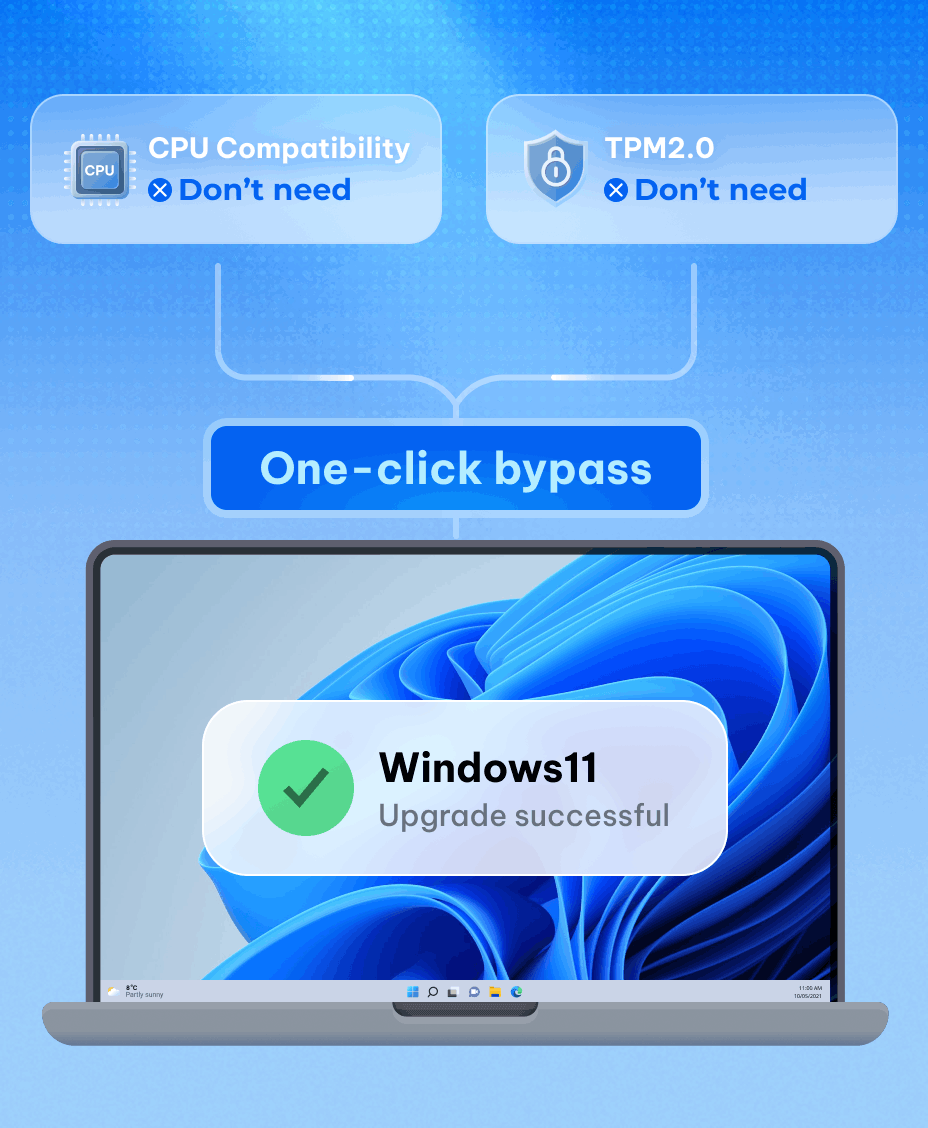
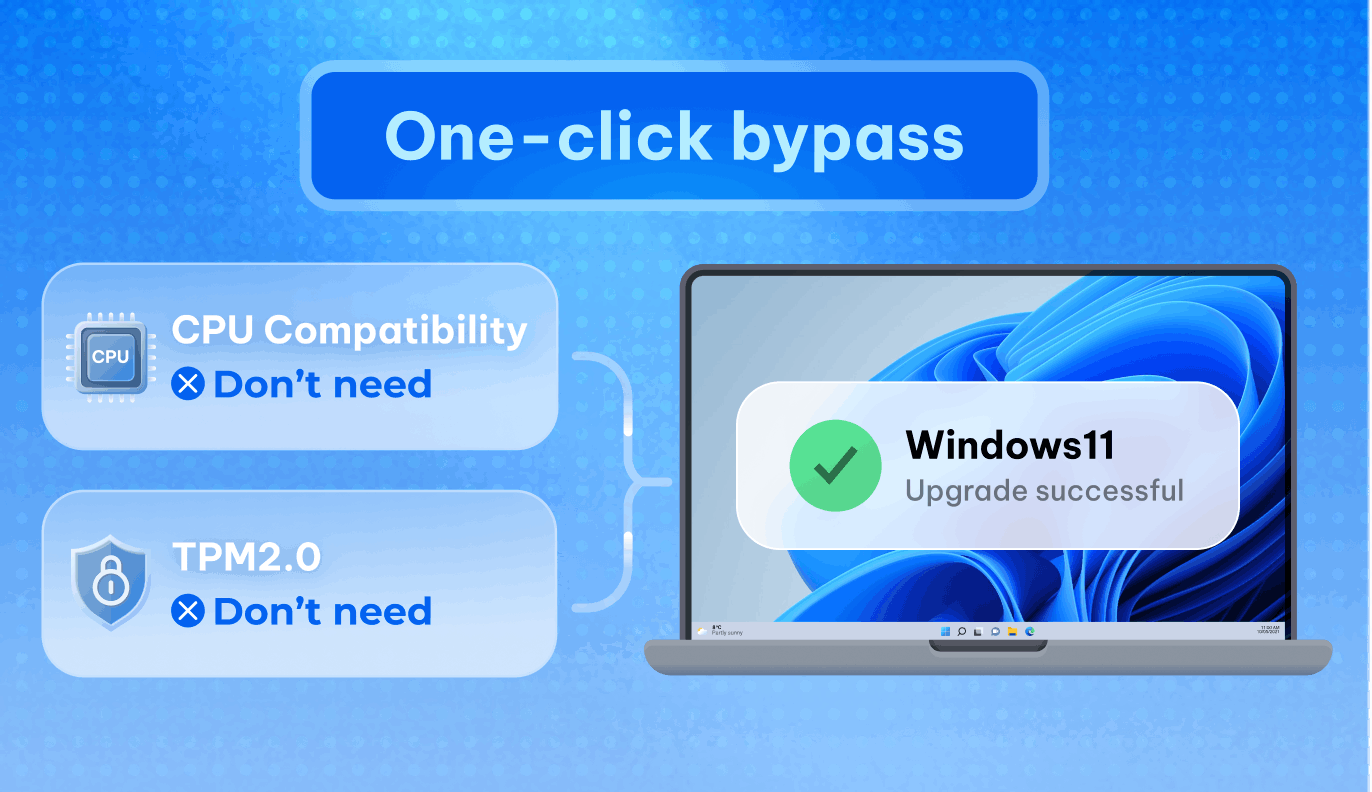
Your PC may not meet the Windows 11 26H2 hardware requirements, including TPM 2.0, Secure Boot, or CPU compatibility, preventing a successful upgrade.

Your system disk is using MBR instead of GPT. Windows 11 26H2 requires a GPT disk with UEFI mode, which may block the upgrade process.
Your old or small SSD may limit Windows 11 26H2 performance. Upgrade to a larger SSD and migrate your system without reinstalling Windows.
Check the essential hardware and system requirements before you begin the upgrade

1 GHz or fastet 2+ cores, compatible 64-bit processor


64 GB or larger storage device

UEFl with Secure Boot capability

720p display, over 9 inches diagonally

4 GB RAM or more
Trusted Platform Module version 2.0

Directx 12 compatible with wDDM 2.0 driver

Internet connection and Microsoft account where required
Prepare, protect, migrate, and recover with 4DDiG.
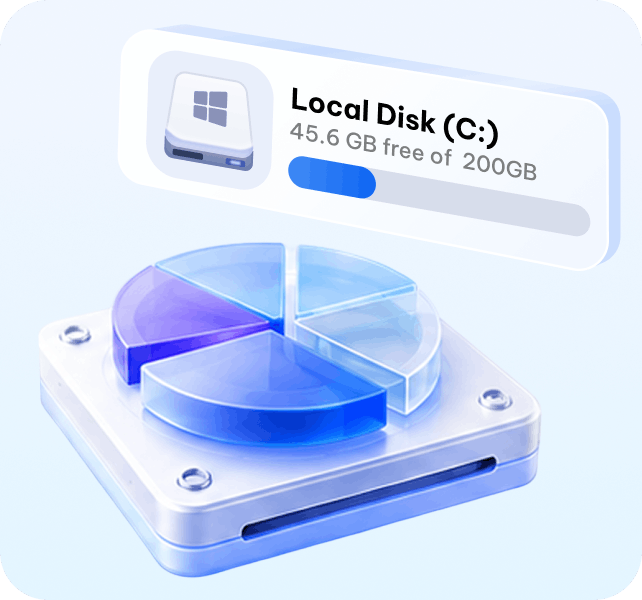
Prepare for Windows 11 26H2 by resizing partitions, extending C drive, and freeing up disk space with 4DDiG Partition Manager.
Starting at $18.95
Back up Windows, clone your disk, and keep a recoverable copy.
Starting at $0
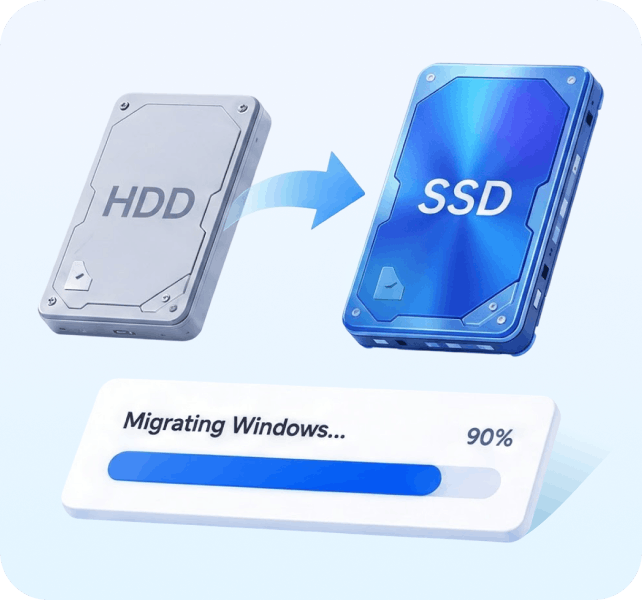
Migrate Windows without reinstalling your apps, settings, or files.
Starting at $18.95

Recover lost files after Windows 11 26H2 updates, system crashes, or accidental deletion with 4DDiG Data Recovery.
Starting at $36.76
Check the essential hardware and system requirements before you begin the upgrade
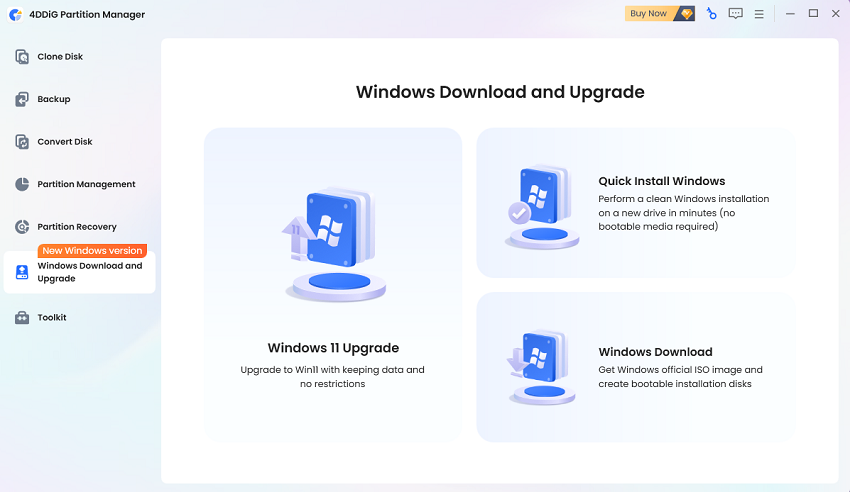
Launch 4DDiG Partition Manager and select Windows 11 Upgrade to automatically check compatibility
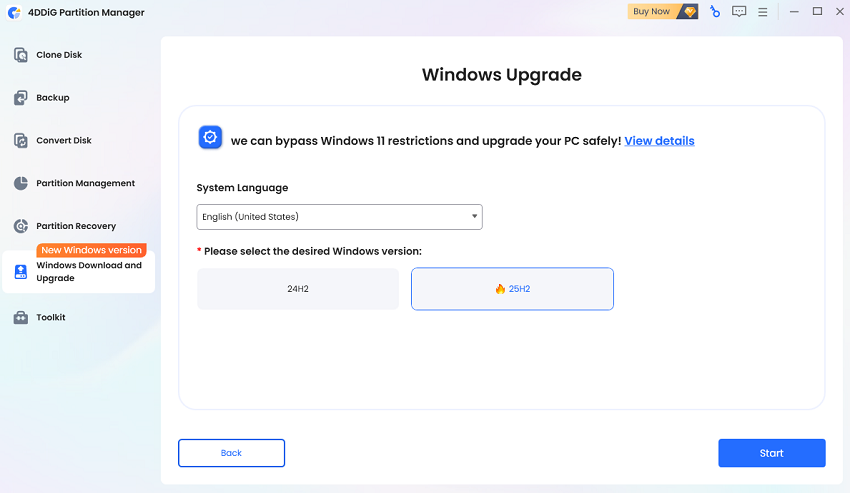
Choose your system language and Windows 11 version, then bypass hardware restrictions and start the upgrade.
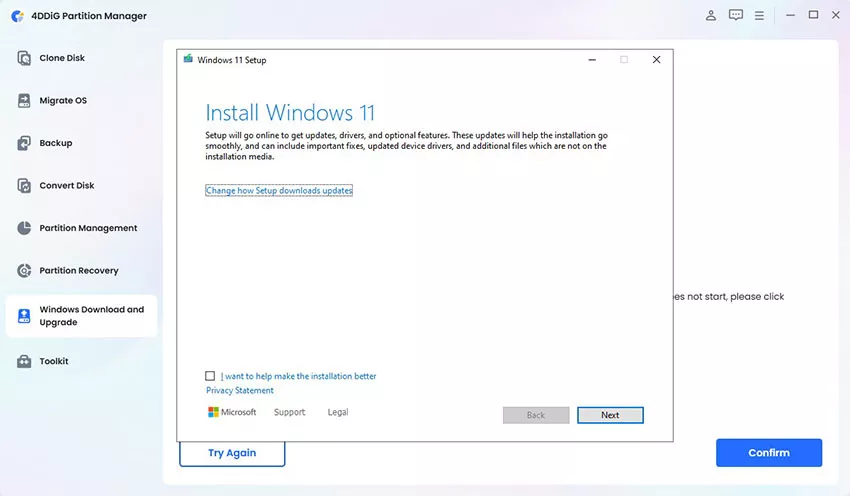
Wait for the bypass process to complete, then proceed with the Windows 11 26H2 upgrade.
Windows 11 26H2 requires compatible hardware, including a supported CPU, TPM 2.0, Secure Boot, sufficient memory, and available storage space. Check your PC specifications before upgrading to ensure a smooth installation.
Yes. If your PC fails Windows 11 26H2 compatibility checks due to TPM 2.0, Secure Boot, CPU, or other hardware limitations, 4DDiG Partition Manager can provide a solution to bypass these restrictions and upgrade your system without replacing your hardware.
The upgrade requires enough free storage space to download installation files and complete the update process. If your C drive is running low on space, freeing up storage or extending the system partition can help prepare your PC.
A standard upgrade usually keeps your personal files, apps, and settings. However, it is always recommended to back up important data before a major Windows update to avoid unexpected issues.
Windows 11 26H2 updates may fail due to issues such as insufficient storage, incompatible drivers, hardware limitations, or corrupted update files. Checking compatibility and preparing your system before upgrading can help avoid common problems.

Prepare your disk today and upgrade with greater confidence
 100% Secure & Virus-free
 30-Day Money Back Guarantee
 24/7 Tech Support