

 요금제 전체 보기
주요 테크 미디어에서 인정한 서비스
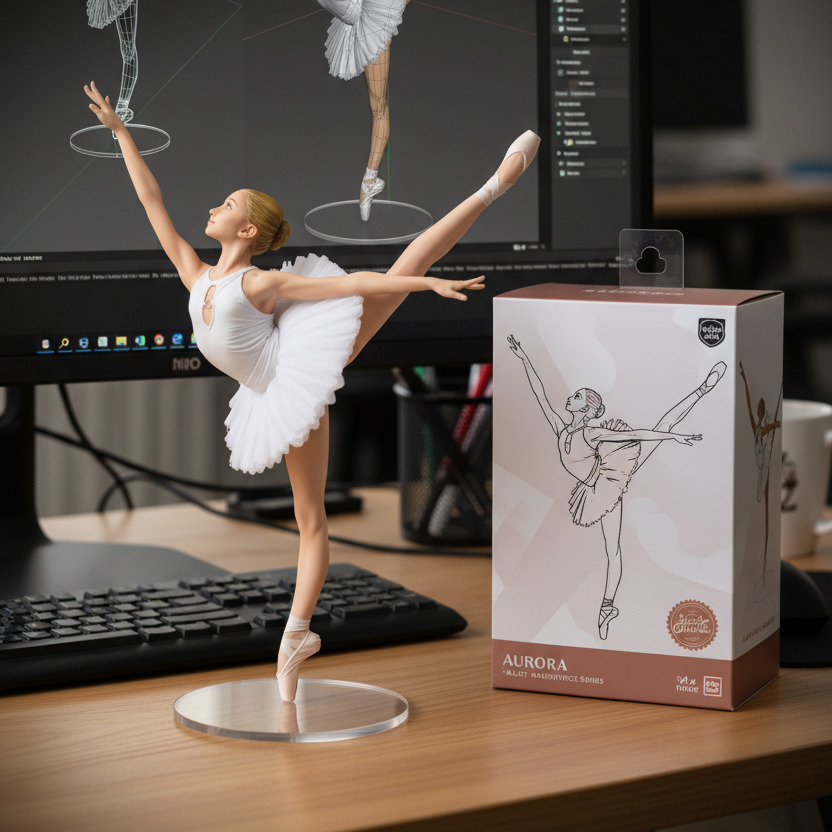
 인기
인기
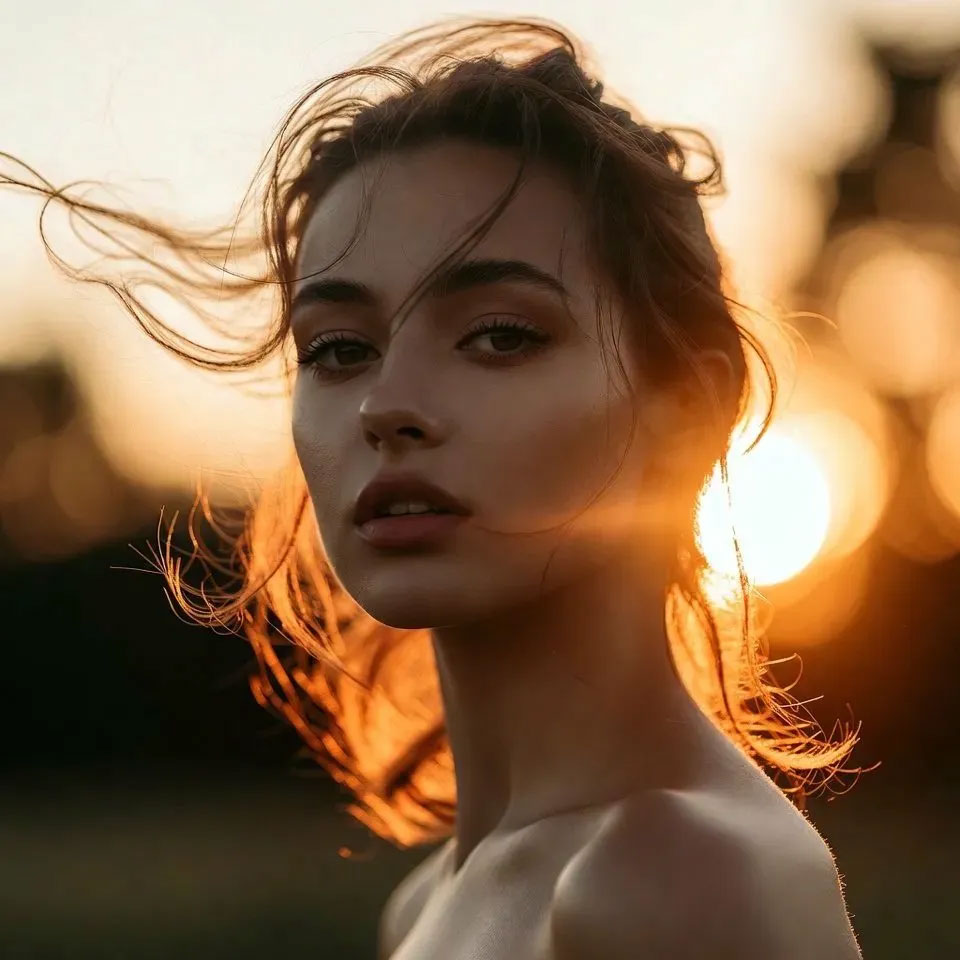
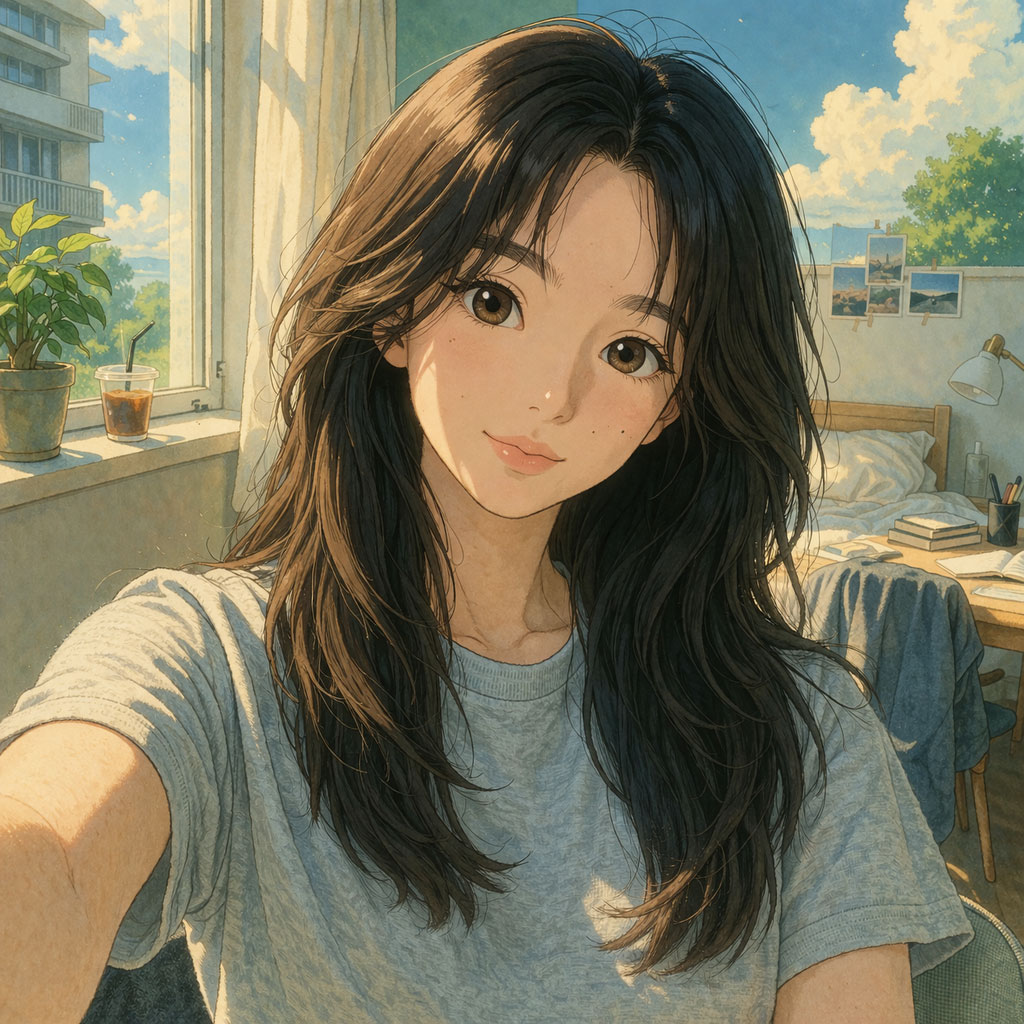

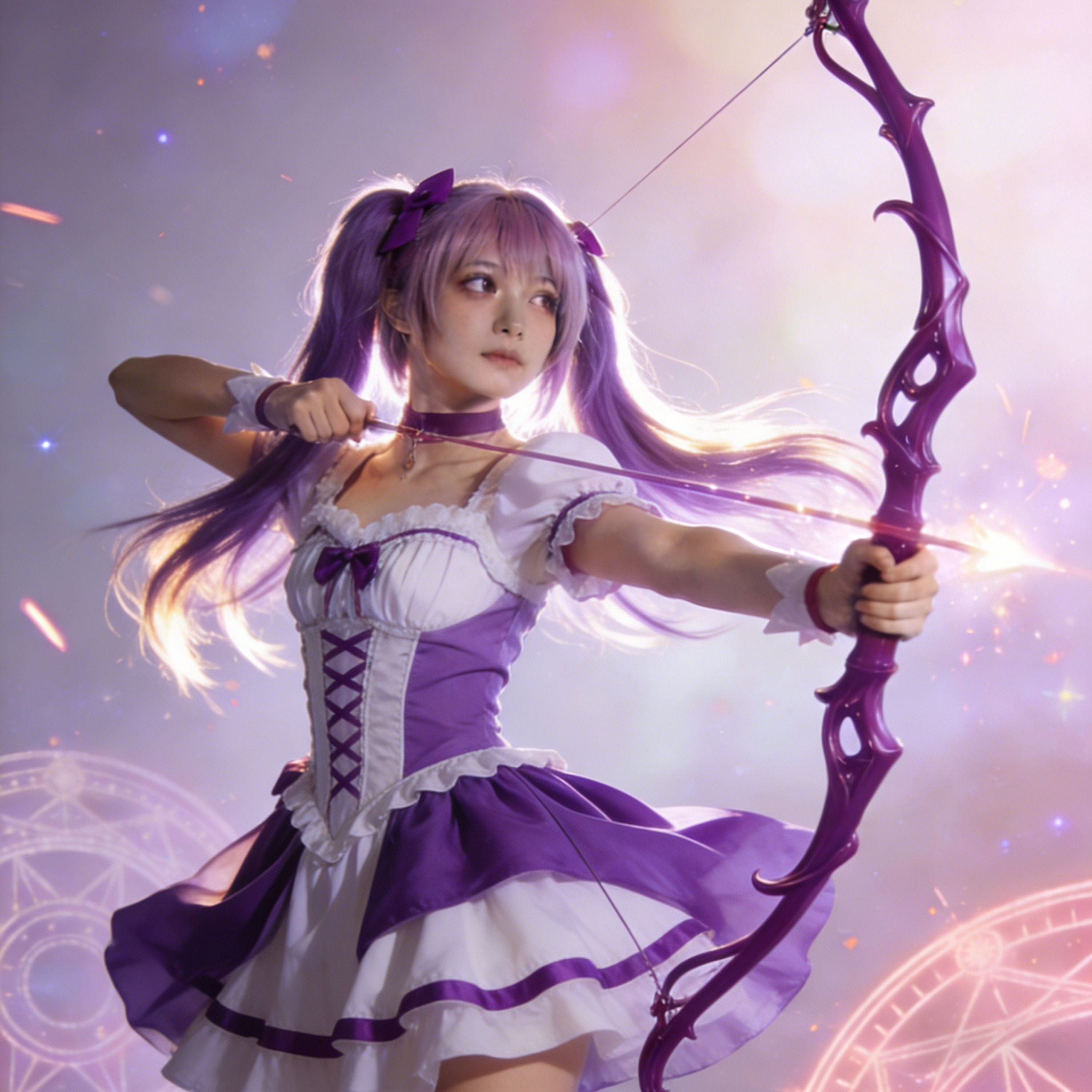
 인기
인기
AI 이미지 스타일 변환 FAQ
네, 4DDiG AI 이미지 스타일 변환은 시작 시 무료로 2번 체험할 수 있습니다. 선택된 스타일을 고화질로 체험한 후, 유료 플랜을 통해 추가 크레딧과 고해상도 다운로드를 이용할 수 있습니다.
프롬프트는 필요 없습니다! 사진을 업로드하고 스타일을 선택한 후, AI가 자동으로 선택한 효과를 적용합니다. 초보자도 사용하기 편리하며, 기술적인 능력이나 프롬프트가 필요하지 않습니다.
네, 4DDiG AI 이미지 스타일 변환을 사용해 생성된 이미지에는 워터마크가 없습니다. 무료 크레딧을 사용하여 스타일을 고화질로 체험할 수 있으며, 모든 출력물은 워터마크 없이 제공됩니다. 유료 플랜으로 업그레이드하면 더 많은 크레딧과 고해상도 다운로드를 제공받을 수 있습니다.
최고의 결과를 위해 추천드립니다: - 선명하고 고해상도의 인물 사진 - 좋은 조명과 뚜렷한 얼굴 디테일 - 정면 또는 약간 각도가 있는 사진 - 배경이 최소화된 사진 흐릿하거나 매우 낮은 해상도의 이미지는 최종 출력 품질에 영향을 미칠 수 있습니다.
네, 생성된 이미지는 상업적 용도로 사용할 수 있습니다. 소셜 미디어, 마케팅, 콘텐츠 제작 등 다양한 용도로 사용 가능합니다. 다만, 원본 이미지를 업로드할 때 해당 이미지에 대한 권리를 보유하고 있으며, 사용이 관련 저작권 법을 준수하는지 확인해 주세요.